Not just another AI chat

Your AI work lives in files—not lost in chat.

Most AI tools give you a reply and move on. WordPilot is different. Write on pages with simple blocks—like Notion. Hook up 120+ apps and tools. Everything stays in your project, so every result fits what you’re actually working on.

Free to start. No credit card. See why it feels nothing like chat.

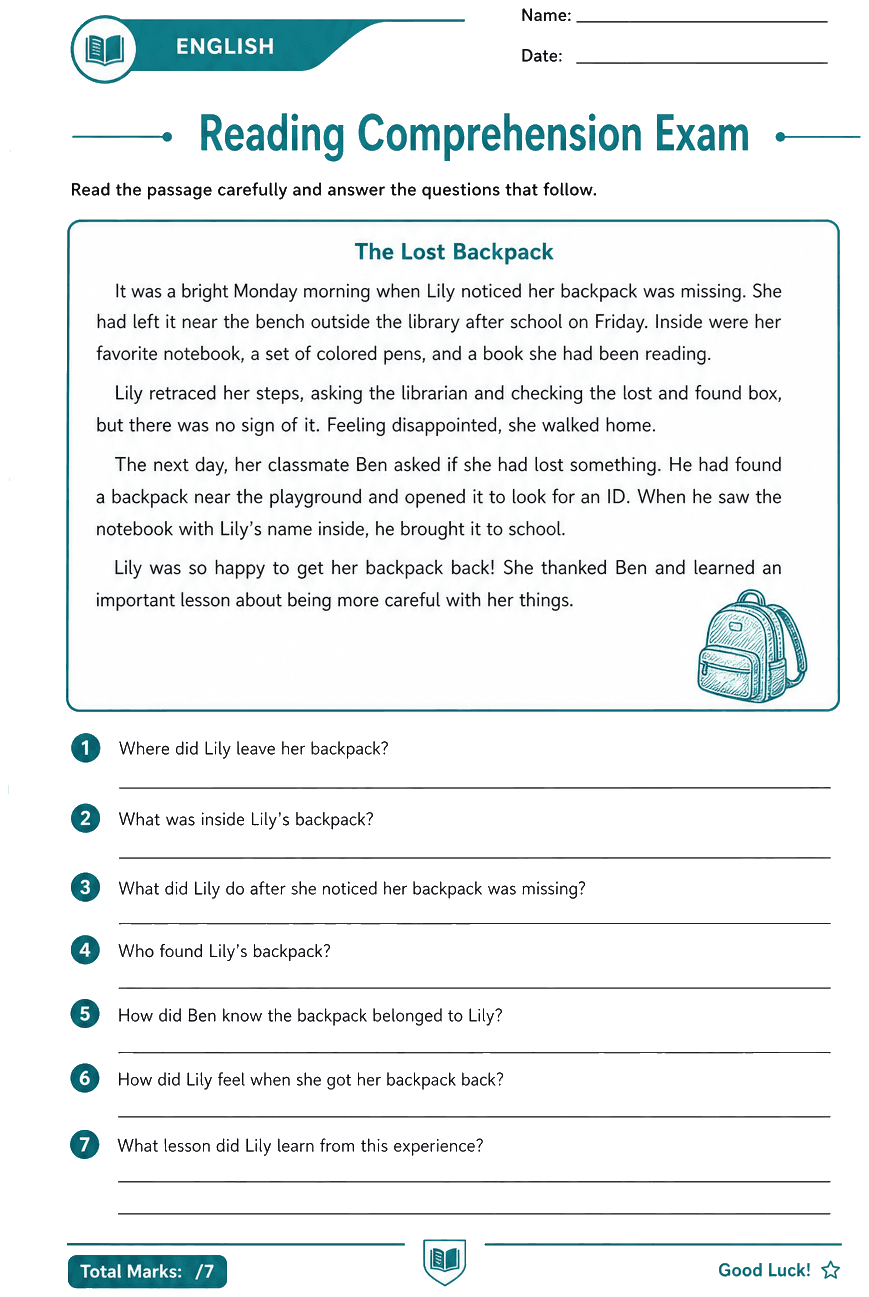
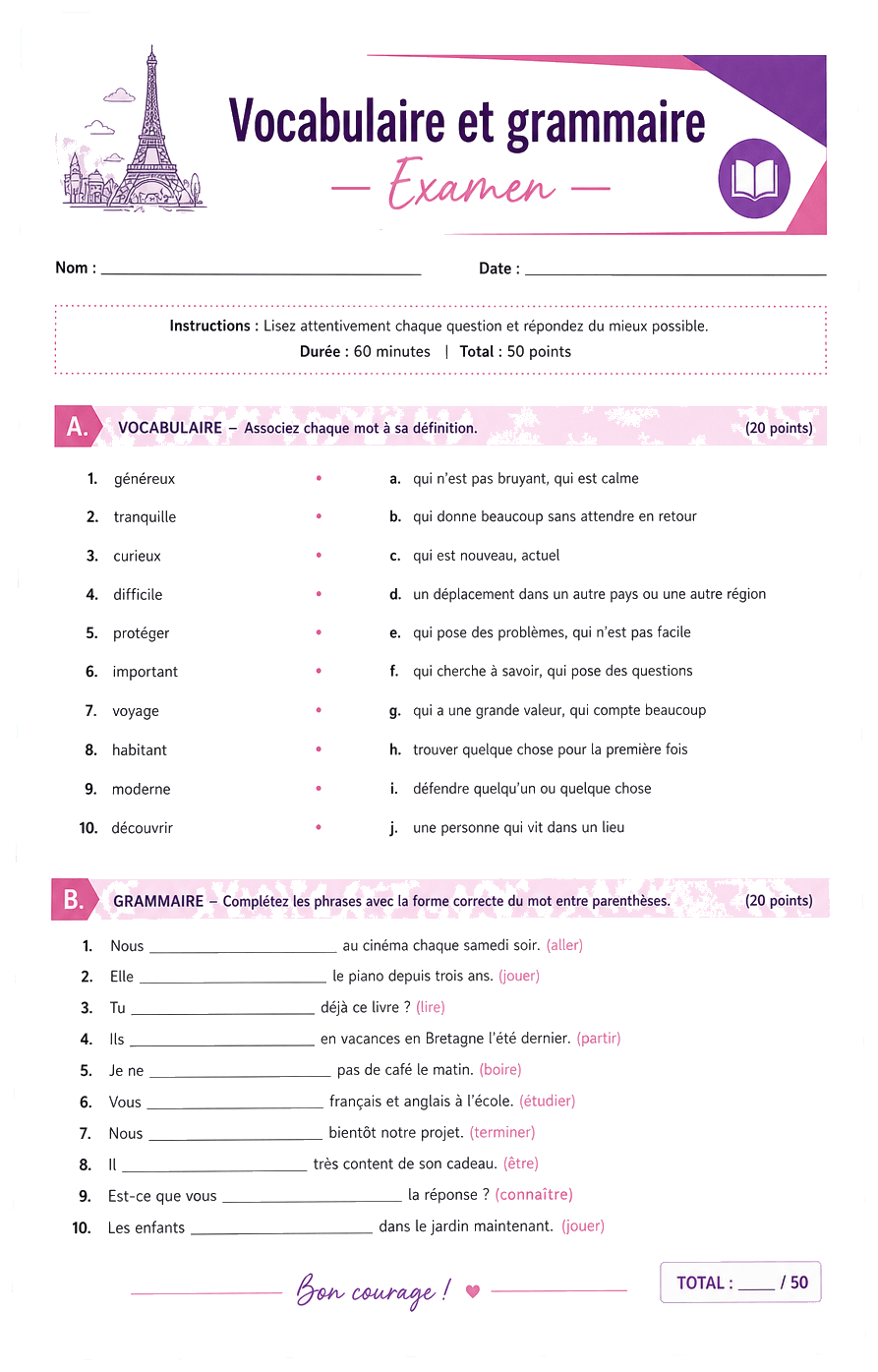
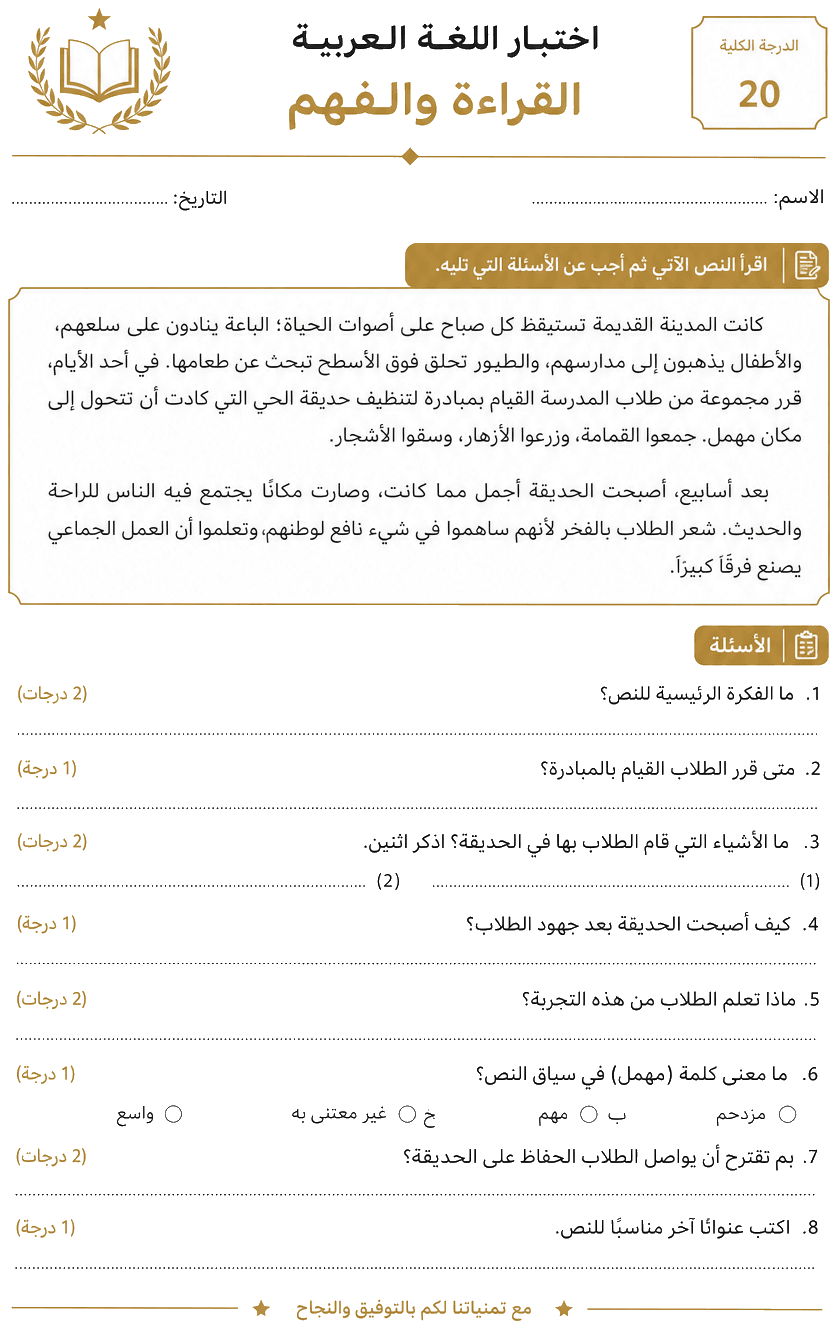
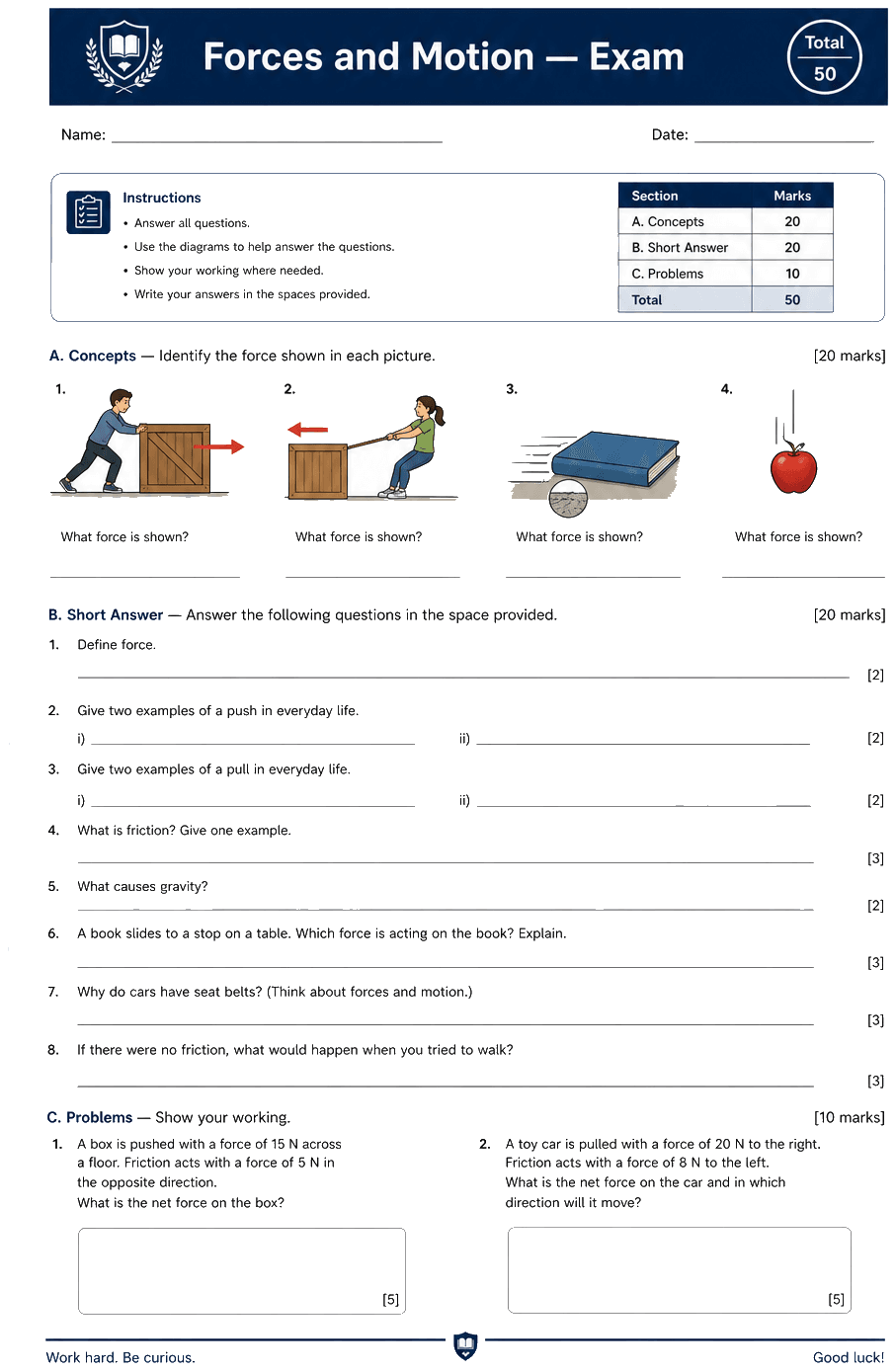
WordPilot workspace with files, block-based pages, and AI assistant
  • Saved in files—not chat threads
  • Easy blocks for text, tables & media
  • 120+ apps & tools connected
  • Every project gets its own result

Same AI. A completely different way to get things done.

See it move

See how files, blocks, and tools work together—hover the video for controls

Proof

First investor-ready memo same day — not next week.

Rough voice notes became a tight narrative with sections pulled from our workspace. No tab circus, no lost context.

JW
Jordan WellsFounder

Why people switch

More finished work. Less glue work.

Your files stay in one place. WordPilot suggests the next step. You choose what goes out the door.

More finished work. Less glue work.
Real work—not a chat that disappears

What you get

Real work—not a chat that disappears

Say what you want, add your files, and get drafts or actions you can use—not messages lost in a thread.

Built from your real files

Trust

Built from your real files

Your pages and uploads stay right there. You can read and change what the AI is working from.

A good first draft, fast

Speed

A good first draft, fast

Turn messy notes into something ready to use in minutes—not hours of cleanup.

Stop copying between apps

Easy

Stop copying between apps

Pages, files, AI, and tools live together—less jumping between tabs and windows.

All in one place

  • Remembers your project
  • Files and pages
  • 120+ apps connected
  • Tasks you can repeat
  • Picks the right AI
  • You approve before send

Decision checklist

Chat tools vs a workspace built to ship

If you’re choosing software you’ll use weekly, compare on the outcomes you can verify: durable context, real documents, and a straight line to delivery.

Capability

Workspace context

Other chat spaces

Context is mostly tied to individual chat threads.

WordPilot

Projects, files, and outputs stay connected in one workspace.

Capability

Real documents

Other chat spaces

You often copy from chat into docs and reformat manually.

WordPilot

Draft, rewrite, and polish directly where the final document lives.

Capability

File grounding

Other chat spaces

Uploads can be session-bound and easy to lose in old chats.

WordPilot

Uploads become durable project context for repeatable workflows.

Capability

Model workflow

Other chat spaces

Model switches are chat-centric and disconnected from files.

WordPilot

Pick models per task while keeping project memory and structure intact.

Capability

Tools and actions

Other chat spaces

Actions are often scattered across plugins and side surfaces.

WordPilot

Tools, skills, and docs operate inside one execution flow.

Capability

Ship readiness

Other chat spaces

You stitch output together across tabs before delivery.

WordPilot

From brief to share/export happens in one system built for shipping.

Stack

Cut three tools. One workspace runs the workflow.

Drafting, structure, and export stay in one agent loop. My team stopped debating which app owned the truth.

PD
Priya DesaiCOO, B2B SaaS

How it works

Your AI helper, your files, your apps — you stay in charge.

Most AI tools are just back-and-forth chat. WordPilot is one workspace where AI reads your files, works with you on real pages, and uses your connected apps only when you say so.

AI that knows your project

The helper

AI that knows your project

Tell it what you want in any language. It reads your pages and files, picks the best AI model for the job, breaks the work into steps, and keeps going until you have something you can actually use.

Talk in any languagePlans the stepsPicks the right AI
Work that sticks around

Your files

Work that sticks around

Everything lives in real pages—not lost chat messages. Notes, drafts, and research stay together so the AI always knows what you're working on.

Organized pagesEasy to find againBuilds on past work
Do more than write

Your apps

Do more than write

Connect Gmail, Drive, Slack, and 120+ other tools. When you're ready, WordPilot can send emails, save files, or post updates—always with your approval.

Email and messagingSave and share filesYou approve each step
You're always in control

You

You're always in control

Chat when you want, click a button when you don't. Highlight any text to ask a question, or run the same task again with one tap—no copy-pasting between apps.

Just type what you needAsk about any lineRepeat tasks in one click

Signal

The agent reads the folder tree — not a pasted blob.

Research briefs finally cite the files we already stored. That single shift reduced rewrite cycles hard.

MC
Marcus ChenHead of Research
Your projects hub and workspace list

Start with a durable place where the agent can remember files, goals, decisions, and outputs across sessions.

Your projects hub and workspace list

Result

From messy notes to client-ready — without losing my voice.

Inline passes fix tone and structure in one surface. Approvals are faster because edits stay visible.

EV
Elena VargaConsultant

Agent use cases

Built for workflows where the agent must think and act

Run lead generation, research pipelines, content systems, outreach campaigns, and internal knowledge workflows from the same memory-backed workspace.

TE

Teachers

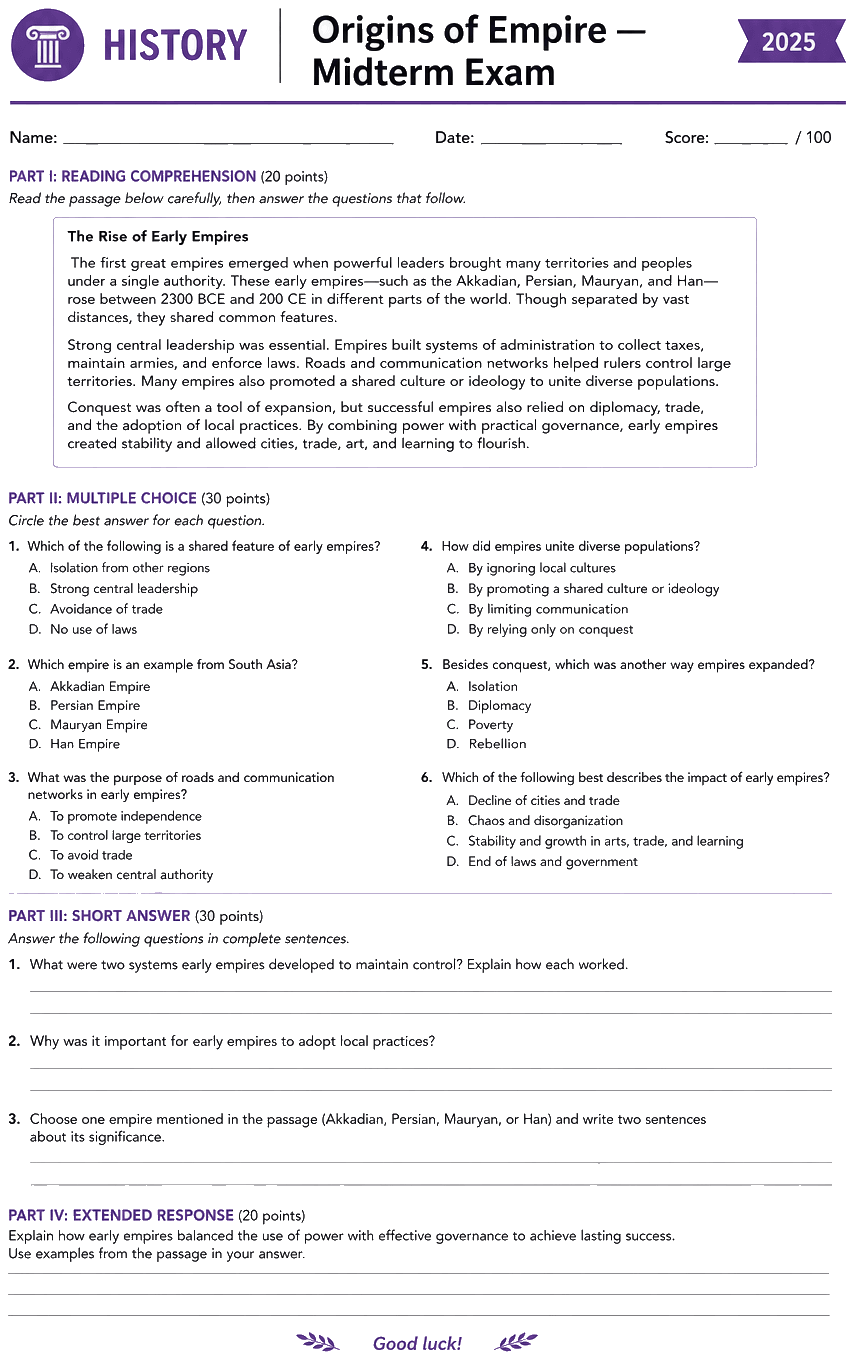
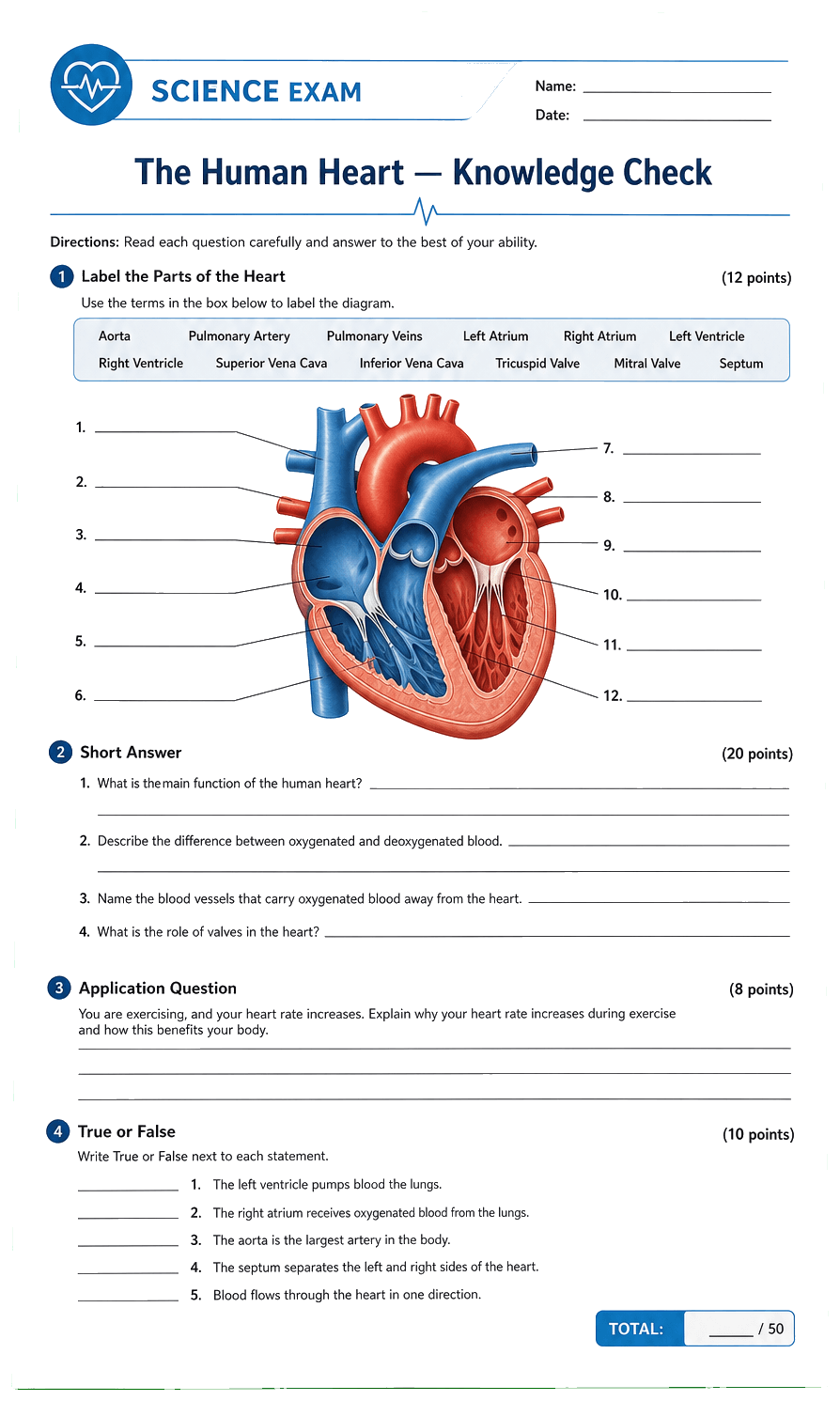
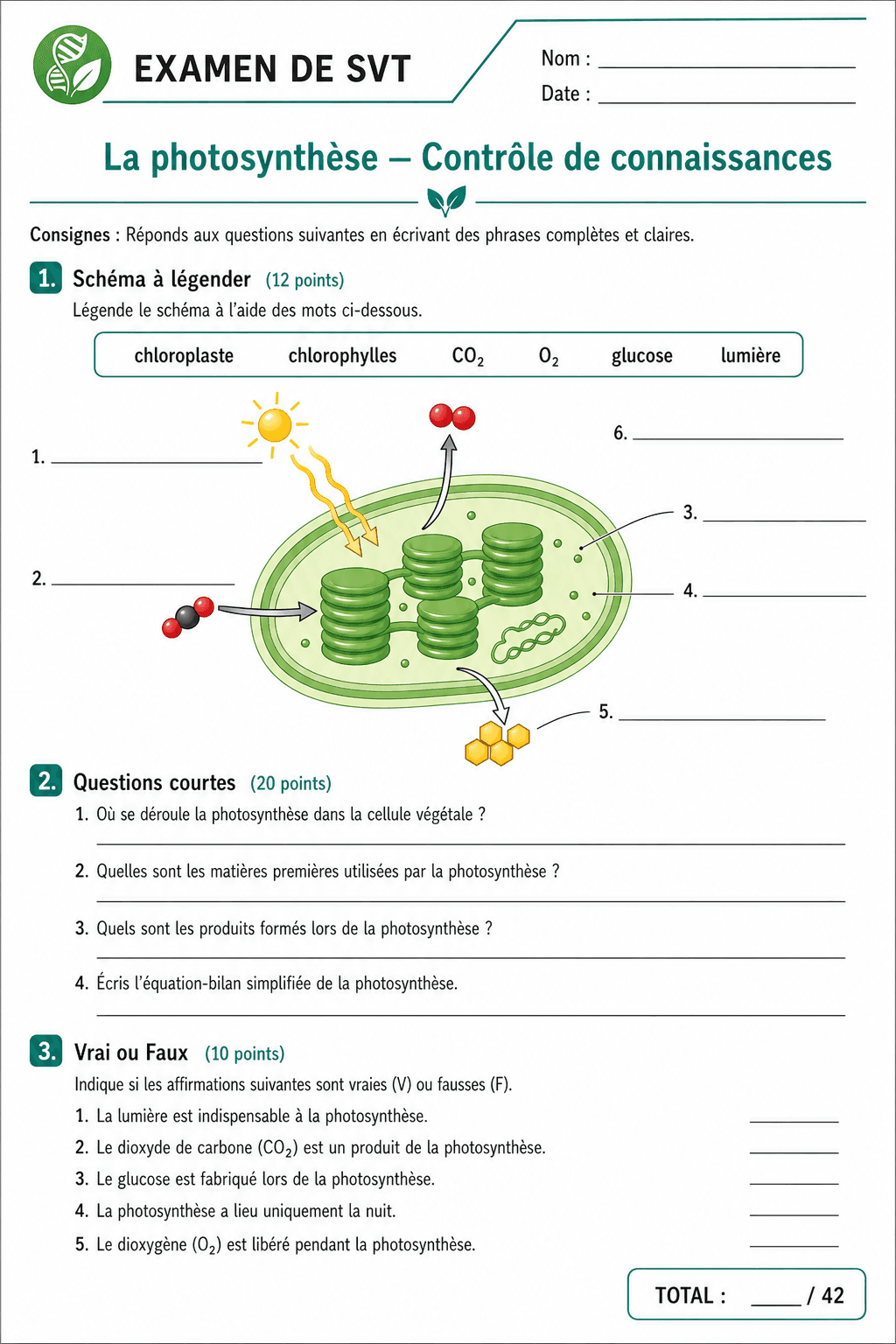
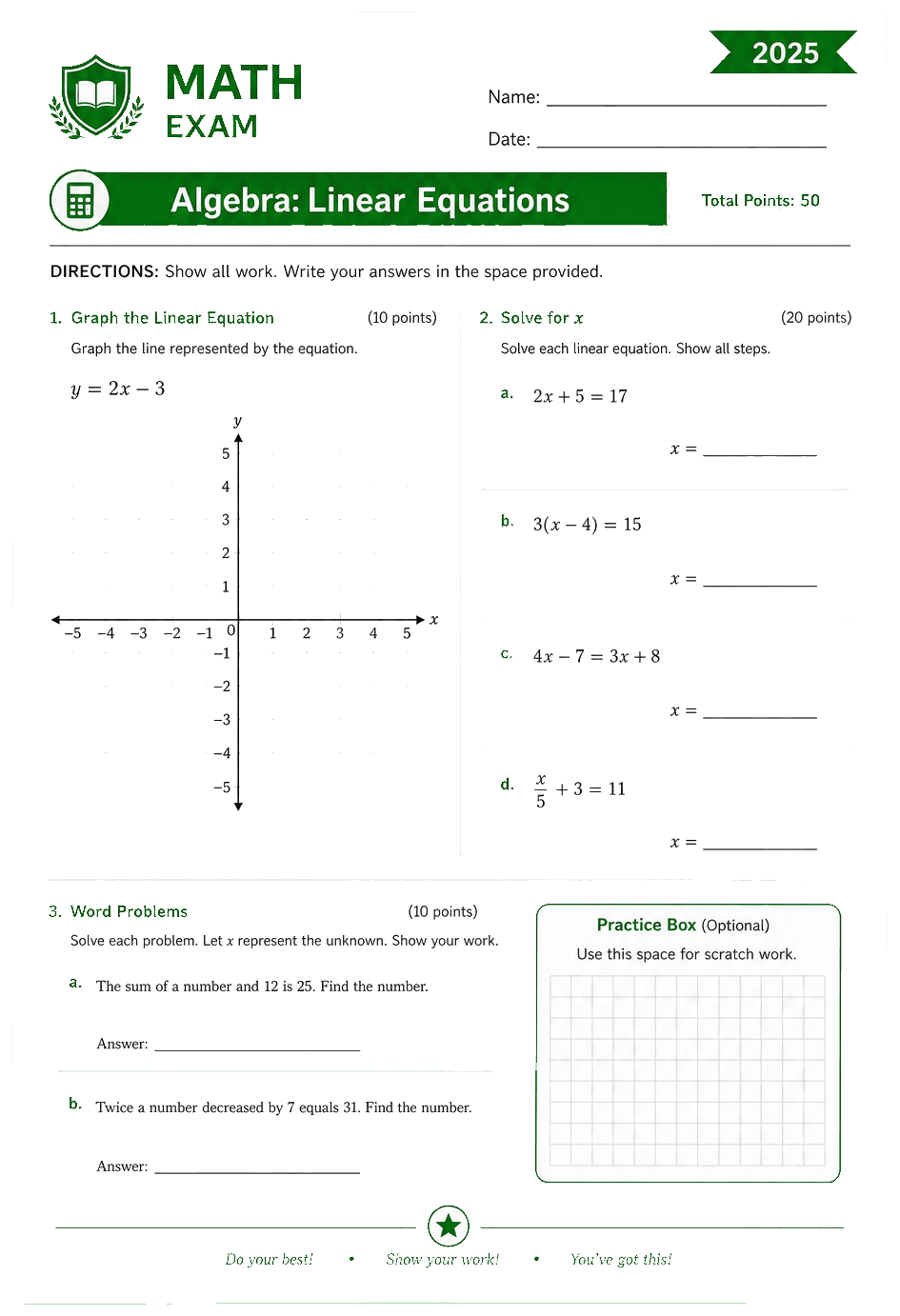
Class quizzes

TU

Tutors

1:1 lessons

ME

Mentors

Guided learning

CO

Coaches

Session notes

IN

Instructors

Course material

TR

Trainers

Skill checks

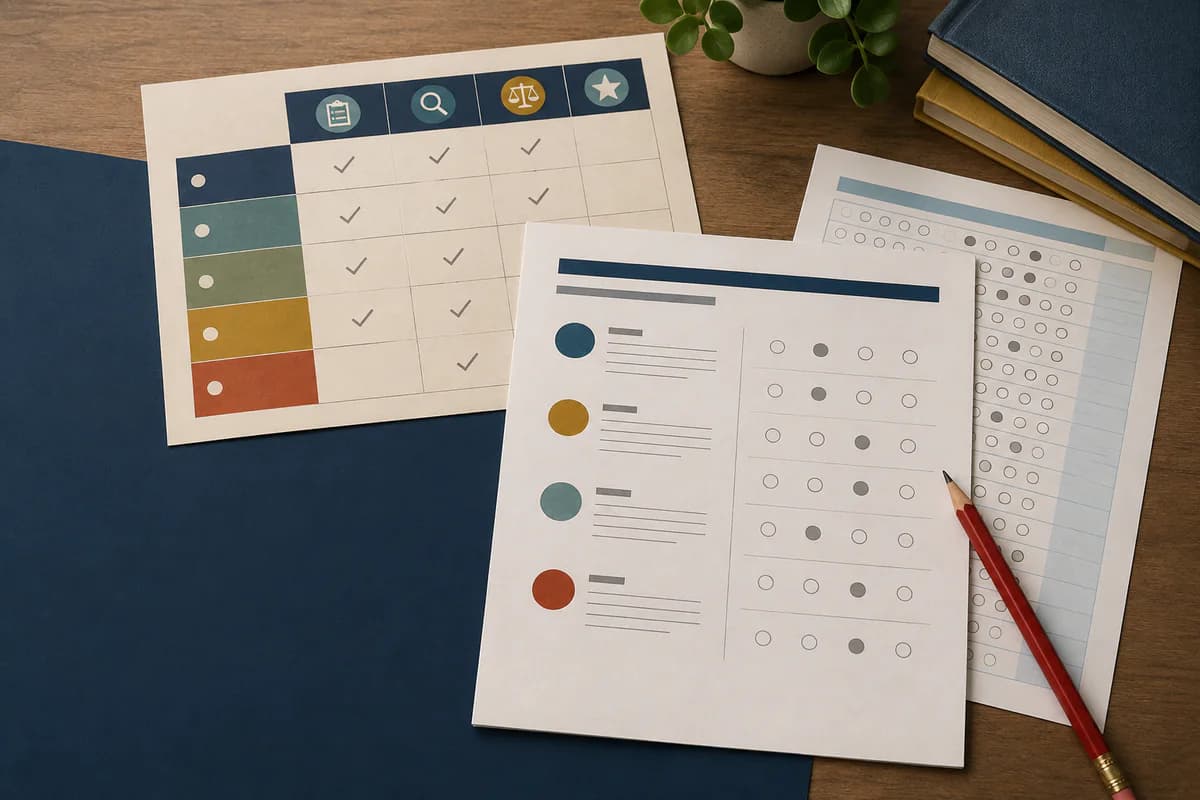
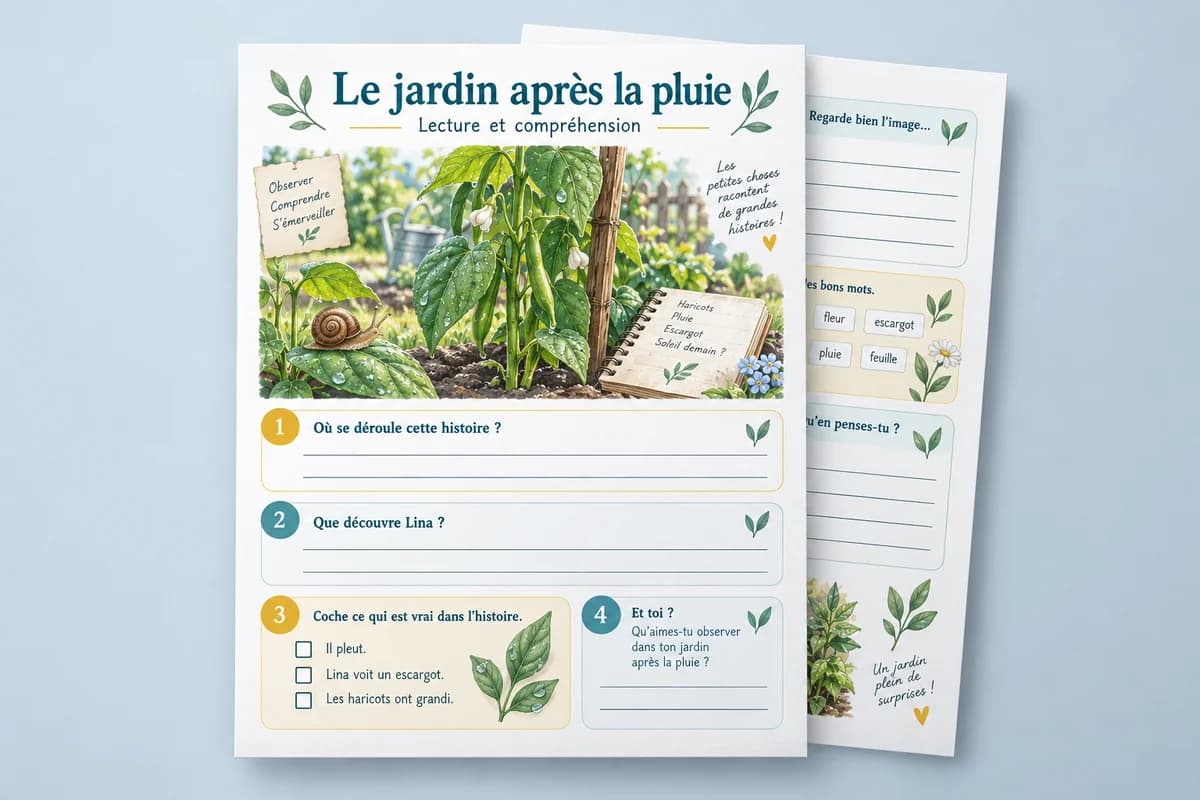
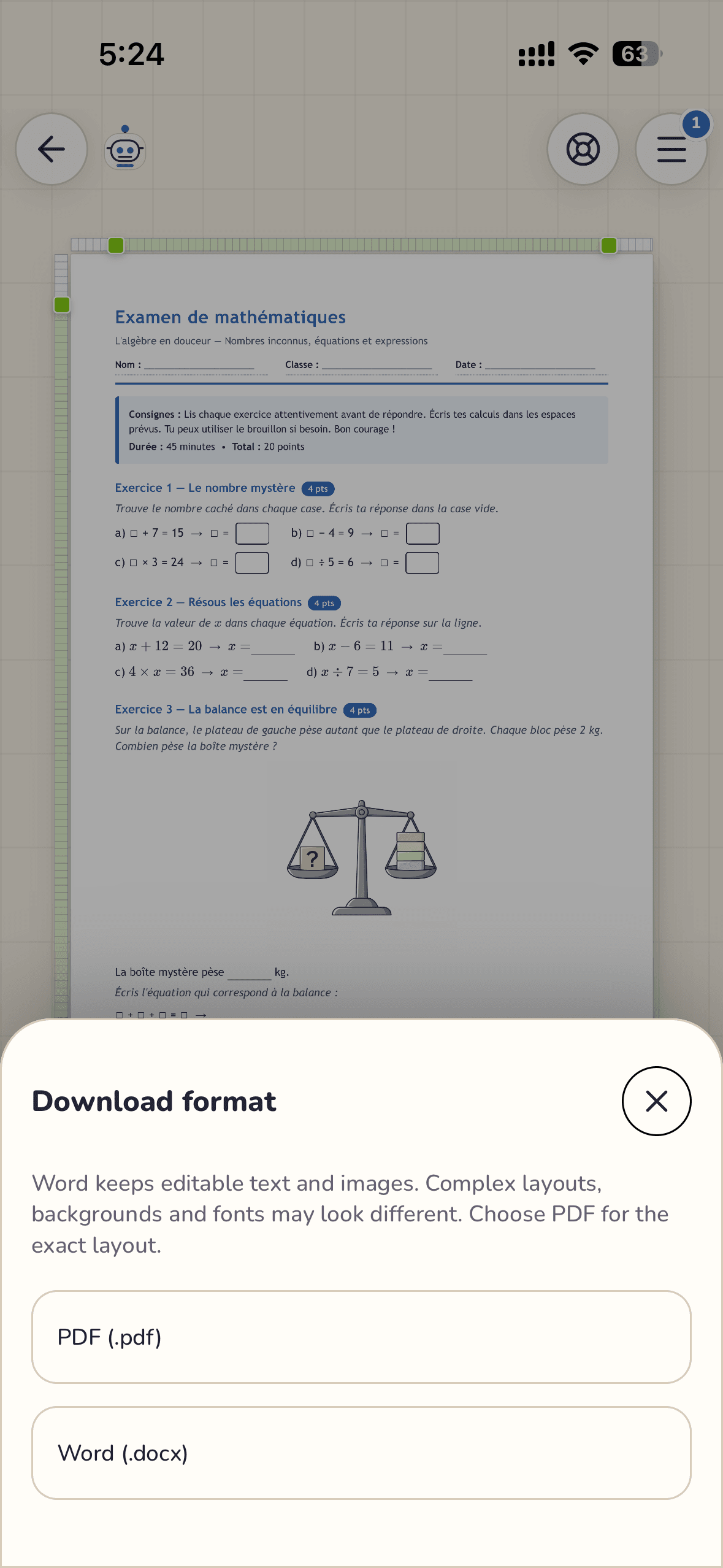
ED

Educators

Worksheets

HS

Homeschool

Printable packs

TE

Teachers

Class quizzes

TU

Tutors

1:1 lessons

ME

Mentors

Guided learning

CO

Coaches

Session notes

IN

Instructors

Course material

TR

Trainers

Skill checks

ED

Educators

Worksheets

HS

Homeschool

Printable packs

Proof

Word export stopped embarrassing us in review.

Headings and tables survive handoff. Legal and leadership stopped bouncing drafts for formatting debt.

NI
Noah IbrahimProgram manager

Tool execution

Let the agent think with docs and act through tools.

Connect live tools with Composio, route work across OpenAI, Claude, and DeepSeek, then keep every output inside the same workspace memory.

Learn more

120+ tool actions

Give the agent searchable actions for email, files, publishing, storage, scraping, and automation without turning every task into manual tab work.

GitHub
LinkedIn
Gmail
YouTube
WhatsApp
Slack
Notion
Google Drive

Model orchestration

Pick a model per task or let the workspace pattern guide the choice: fast writing, deep reasoning, long-context analysis, or visual generation.

OpenAILatest GPT for fast drafting
ClaudeCareful tone and long-form polish
DeepSeekEfficient daily runs in the same flow
GPT Image 2Generate and regenerate visuals in place

Task engine

Turn goals into repeatable workflows. Each task can use docs as context, call tools, and produce outputs like research briefs, outreach drafts, updated files, and share-ready assets.

Lead pipeline
Research brief
Outreach draft
Knowledge base
Diagrams
Worksheet visuals
Page artwork
Regenerate fast

GPT Image 2

Generate, regenerate, and place visuals directly inside the draft

WordPilot is wired for GPT Image 2, so diagrams, page art, and classroom visuals can be created in the same flow as the copy they belong to.

See model lineup

Template marketplace

Turn your best workspace into a product.

Publish premium templates in the marketplace so buyers can copy proven systems in one click. Sellers get recurring demand from repeatable workflows; buyers skip setup and start from a structure that already works.

Turn your best workspace into a product.

Sell your workflow

Package a polished project setup and list it for the right audience.

Buy and copy instantly

Purchased templates appear in your library and spin up a new workspace fast.

Keep improving over time

Refine your template, republish updates, and grow trust with every release.

Stack

Nested docs match how we think — not how a page template thinks.

Memory lives next to the draft it came from. Onboarding new hires stopped being a scavenger hunt.

RS
Riley StoneKnowledge lead

Documents become · agent memory

Organize work as nested markdown knowledge: source files, structured sections, generated outputs, backlinks, and shared deliverables all become context the agent can use on the next task.

Agent memory

Every project gives the workspace agent a durable memory: source notes, drafts, uploads, decisions, and finished outputs stay connected.

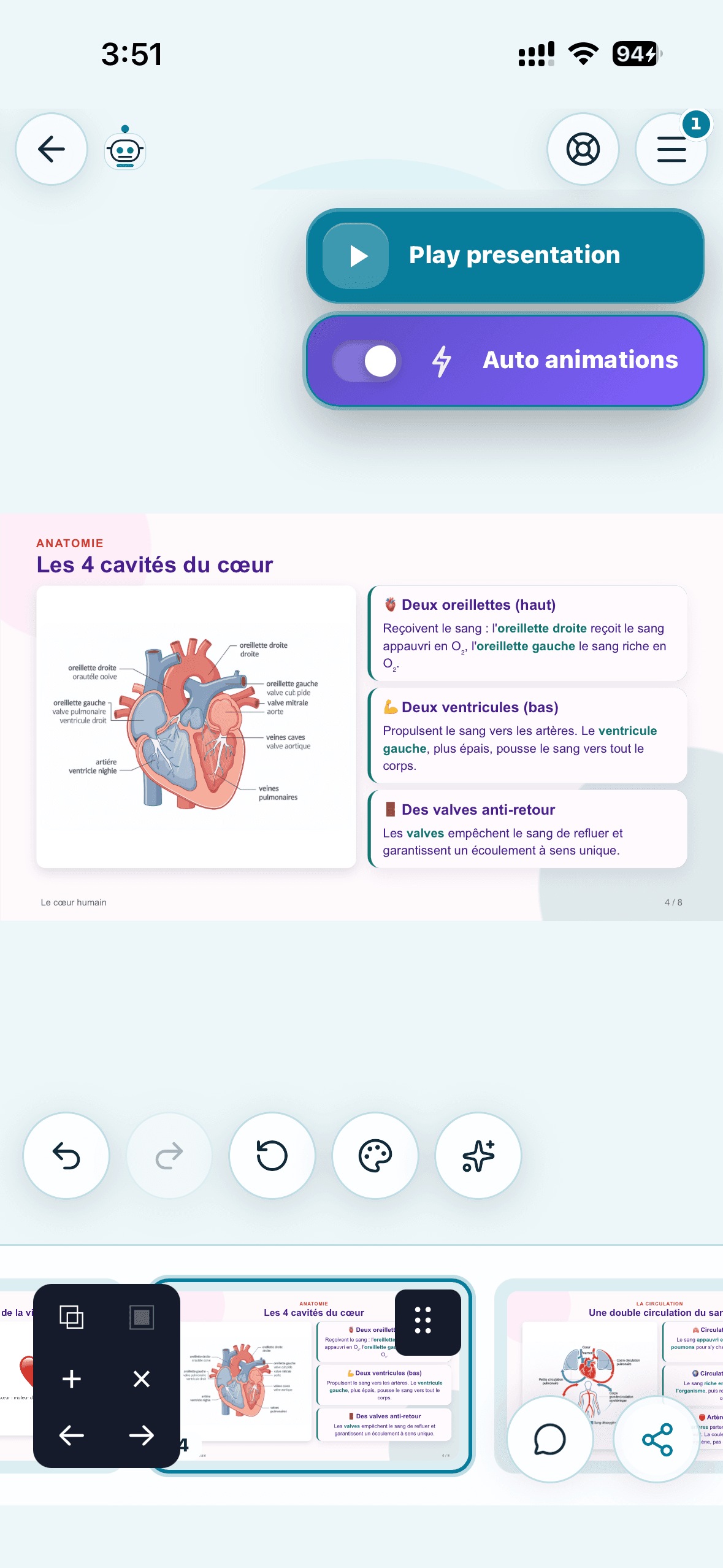
WordPilot workspaces and projects screen

Nested docs

Use folders and markdown files as editable knowledge blocks the agent can read, restructure, reference, and turn into new outputs.

WordPilot files and folders view

Linked outputs

Share links, exports, and polished deliverables remain tied to the same workspace context instead of becoming disconnected files.

WordPilot sharing screen

Signal

Brand-locked decks without touching CSS.

Themes keep typography and color coherent across share links. Marketing finally trusts what ships.

SP
Sydney ParkBrand director

Customization

Make it unmistakably yours

Switch themes based on the mood of the work, the audience, or the output style you want to ship. WordPilot keeps the structure steady while the presentation changes.

Learn more
ThemeFolio

Folio

Bright, airy, and clean for polished daily work.

ThemeLemon on Grey

Lemon on Grey

Dark presentation mode with richer contrast.

ThemeOcean Glass

Ocean Glass

Cool visual depth for calm, glassy workspaces.

ThemeMidnight Gold

Midnight Gold

Minimal dark focus when you want the content to carry.

Result

Referrals tracked clean — Stripe-to-payout without spreadsheets.

Partners see attribution without me babysitting coupons. That clarity alone paid for the upgrade.

AO
Alex OrtizCreator partner
01

Share your link

Send people to WordPilot with a clean referral URL like ?ref=touria.

02

We track signups

The referral is saved for 60 days and locked to the first valid partner.

03

Stripe confirms payments

Recurring subscription invoices create pending partner commissions.

V1 payout model: $5 pending commission for each paid recurring subscription invoice.

Speed beats generic pitch

New tools that catch fire reward the first clear tutorials, templates, and "how I use it" stories. Ship yours this week—the partners who move while WordPilot is still a fresh name tend to earn more before timelines get crowded.

Sell it for any use case

WordPilot is not a single narrow feature—it is an agent workspace for docs, research, delivery, education, and ops. Frame it for founders, agencies, teachers, or creators: your audience's job is the hook; the product can flex to match.

Affiliate program · new SaaS momentum

WordPilot is a new workspace SaaS that is going viral—fast marketers cash in first.

Early promos win when a product breaks out: comparison pages, Loom-style walkthroughs, and niche landing pages compound while search and social still have air. WordPilot is built for that moment—one link, tracked signups, recurring commissions when your audience pays.

WordPilot is a new workspace SaaS that is going viral—fast marketers cash in first.

Proof

If you are still copy-pasting across AI tabs, you are paying twice.

One workspace, one memory layer, one approval path. Speed followed once friction disappeared.

TB
Taylor BrooksAgency owner

FAQ

Everything you need to know about WordPilot

Core workflows, generation features, editing model, sharing flow, and delivery options.

WordPilot is an outcome-first AI workspace. You give a persistent agent a goal, the agent uses documents as memory, routes work through the right models, and calls connected tools when action is needed.

SEO solution pages

Explore high-intent workflows for SEO agencies

Use these pages to choose the operating model that fits your team right now.

AI SEO workflow for agencies

Run keyword research, SERP analysis, briefs, drafting, and publishing from one workspace with approvals.

Read page

Content operations workspace

Coordinate strategists, editors, and operators in one agent-enabled system with shared context.

Read page

Programmatic SEO operations

Scale repeatable page production while keeping template quality controls and review loops.

Read page

GEO and AEO optimization

Structure pages for AI Overviews and LLM citations with schema, evidence blocks, and content freshness loops.

Read page

Content briefs and approvals

Turn client intake and source files into approved briefs and production-ready assignments.

Read page

Comparison pages

Evaluate alternatives before committing budget

Read side-by-side breakdowns against common AI content stacks.

WordPilot vs Jasper

Compare collaboration model, agency workflow depth, and SEO execution controls.

Read page

WordPilot vs Frase + Surfer stack

Compare point-tool workflows against one workspace for research-to-publish operations.

Read page

WordPilot vs ChatGPT workflows

Compare ad-hoc prompting vs repeatable, role-based, and approval-based agency execution.

Read page

Playbooks

Get practical SEO and GEO implementation guides

Start with operational checklists you can execute this week.

SEO agency content operations playbook

A practical rollout plan for moving from fragmented tooling to one agent-enabled content system.

Read page

GEO checklist for AI Overviews

A technical and editorial checklist to increase AI citation readiness across priority pages.

Read page

Content briefs that convert clients

How to produce consistent, approval-ready briefs that protect quality and speed.

Read page

Programmatic SEO quality guardrails

How to scale template-driven SEO pages without sacrificing usefulness, trust, or conversion.

Read page
Turn your notes and files into work you can send | WordPilot