PDF ou Word : quel téléchargement choisir ?
Choisir entre disposition fixe et texte modifiable, puis vérifier le fichier avant de le partager.
WordPilot · Mis à jour le
- Idéal pour
- Évaluation · 9–12
- Vous fournissez
- Quelques minutes pour suivre la méthode
- Vous obtenez
- Une méthode pratique avec un exemple à consulter
Choisir le PDF pour la disposition
Préférez le PDF pour imprimer ou distribuer les pages relues. Vérifiez sauts de page, espace de réponse et images dans le téléchargement. La disposition est conservée, mais contrôlez aussi le format du papier et les réglages d’impression.
Choisir Word pour poursuivre l’édition
Préférez Word lorsqu’un collègue doit modifier texte, tableaux ou consignes. Le contenu peut changer de page selon les polices, logiciels et réglages. Certains effets du navigateur sont simplifiés. Word ne garantit pas une pagination identique.
Enregistrer, télécharger et vérifier
Enregistrez les modifications manuelles. Choisissez le format dans Télécharger, attendez, puis ouvrez le fichier séparément. Pour la grille ci-dessous, vérifiez texte des cellules et bordures. Les quotas et règles de connexion restent applicables ; consultez les tarifs actuels.
À quoi peut ressembler le résultat
Une grille modifiable fondée sur des critères observables : organisation, détails et clarté des phrases.
- Matière
- Évaluation
- Âge indicatif
- 9–12
- Rendre les attentes explicites
- Proposer une amélioration concrète
Exemple original WordPilot, adaptable et réutilisable en classe. Aucun alignement officiel revendiqué. Relisez et adaptez à vos élèves.
Ouvrir la ressource et l’adapter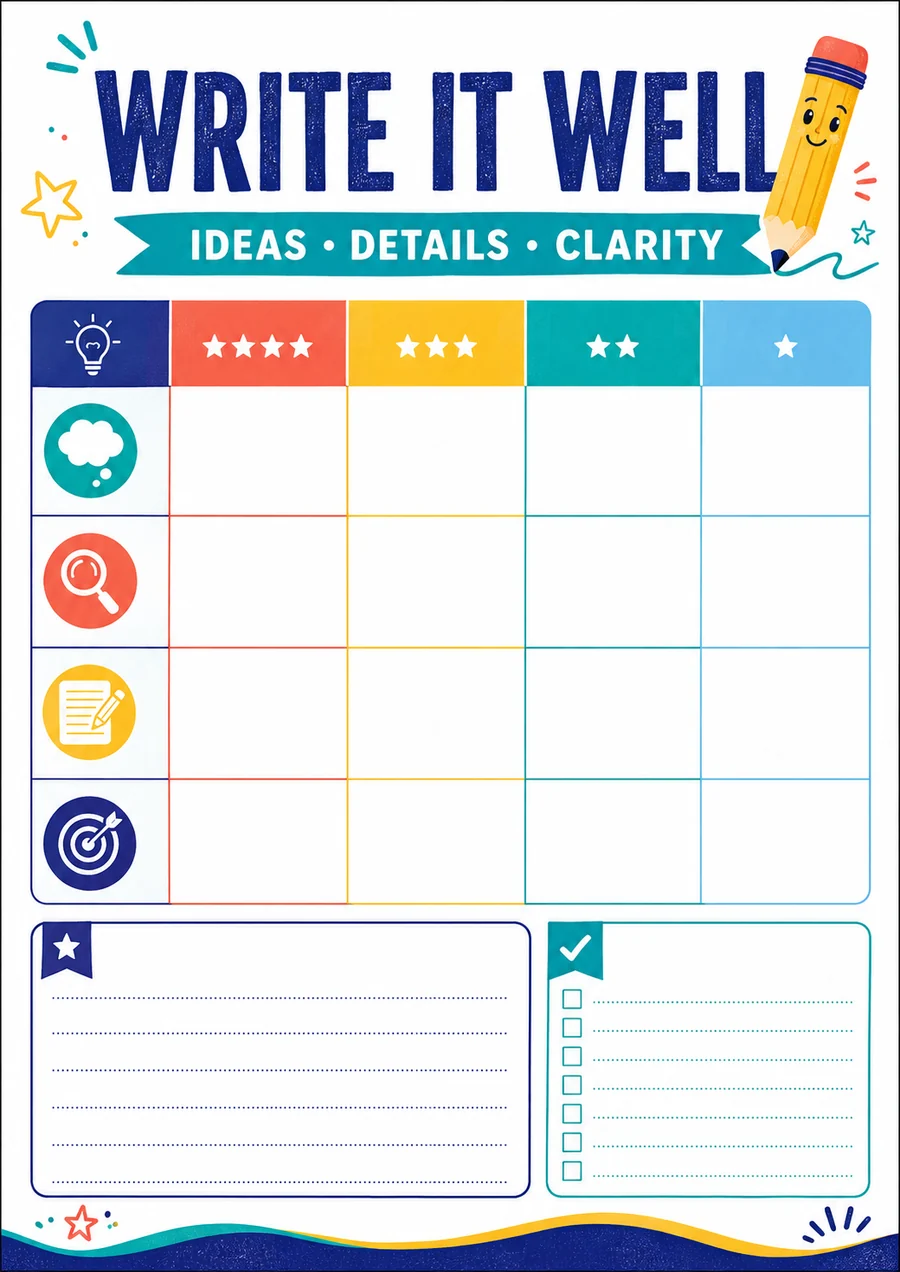
Voir la capture du support d’exemple
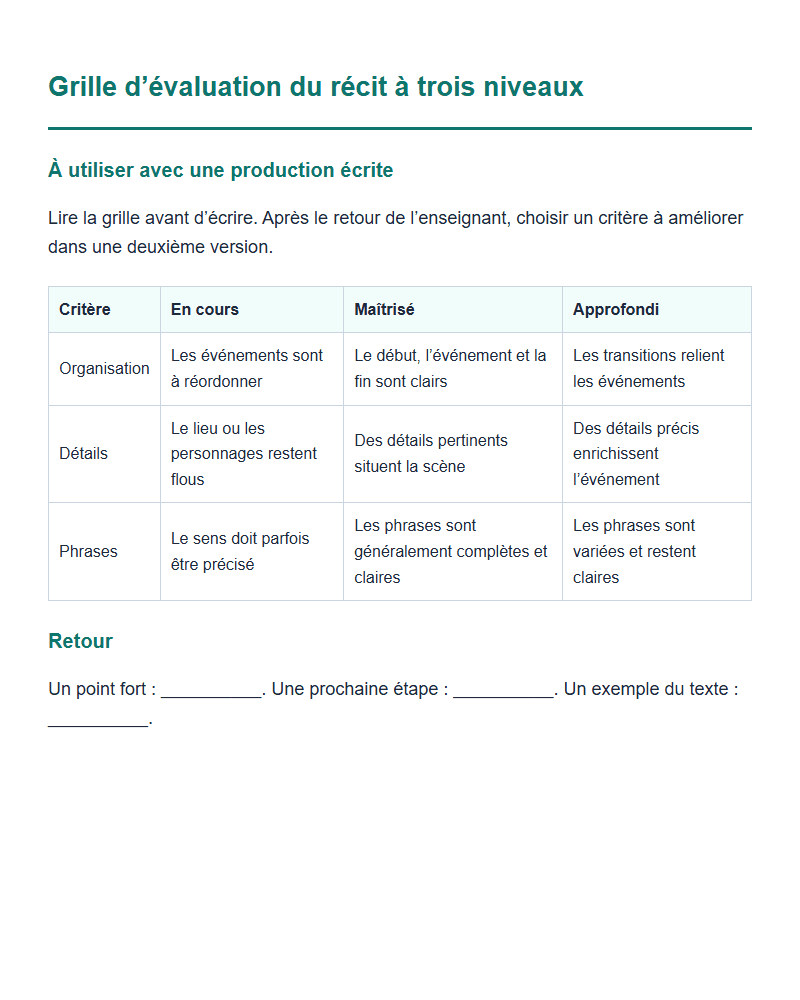
Capture du contenu d’exemple, pas de l’interface de l’application.