Teaching resources
Edit teaching documents by conversation
Refine instructions, structure and layout with AI and manual editing, while keeping your original resource separate.
Review the result before use. Normal allowances apply.
WordPilot · Updated
Adapt it for your learners
- Best for
- School communication · Adults
- You provide
- Your objective, learner age and instructions
- You get
- An editable resource to review and export
How teachers use it
- 1Open an editable document or request a copy of a supported source.
- 2Describe a focused change, such as simplifying instructions or reorganizing a section.
- 3Review the revision and save your edits before exporting.
What the finished resource can look like
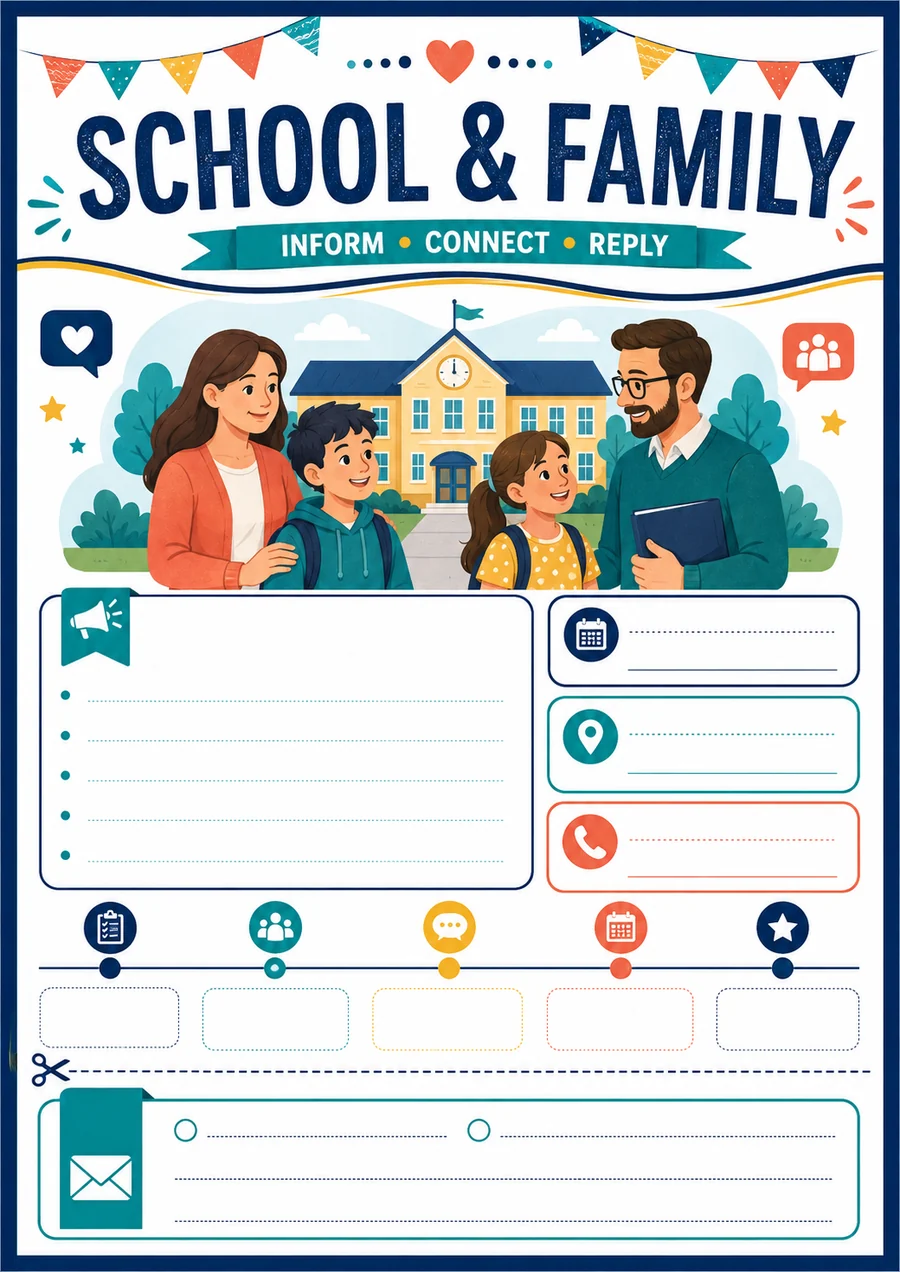
An editable communication template with purpose, dates and a simple family response section.
- Subject
- School communication
- Suggested age
- Adults
- Communicate an activity clearly
- Request only necessary information
Original WordPilot example, reusable and adaptable for classroom use. No official curriculum alignment claimed. Review and adapt for your learners.
Open and adapt the resourceGood to know
Import fidelity depends on the source layout. Complex Word objects may not become editable, and editable Word exports can reflow.
Does editing change my original upload?
An editable copy is separate from the source resource. Keep the original for reference and review document revisions before sharing.