Ressources pédagogiques
Transformez une photo lisible en fiche modifiable
Utilisez une photographie de support pédagogique pour créer des questions, des exercices et un corrigé.
Vérifiez le résultat avant utilisation. Les quotas habituels s’appliquent.
WordPilot · Mis à jour le
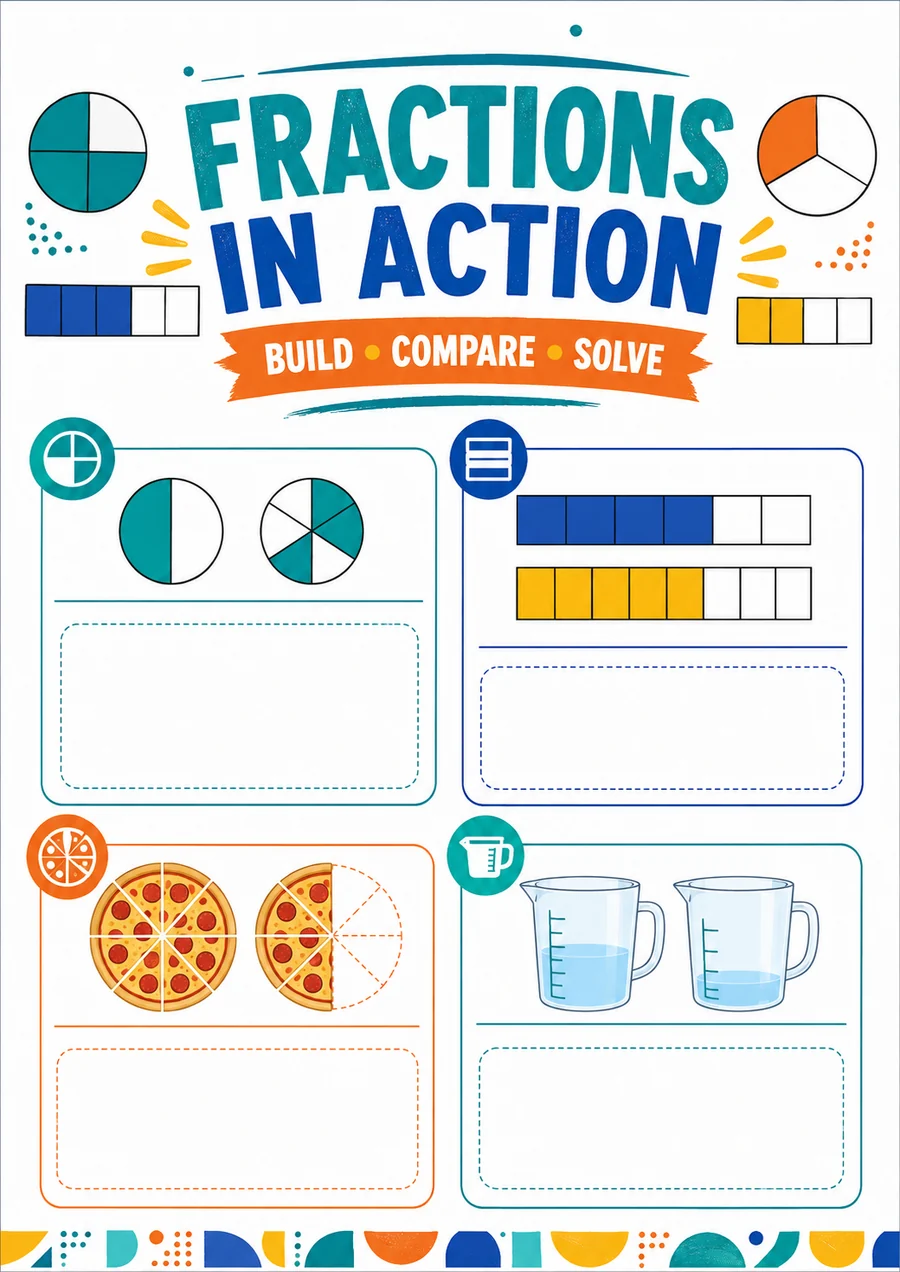
À adapter à vos élèves
- Idéal pour
- Mathématiques · 9–11
- Vous fournissez
- Une photo claire de l’activité
- Vous obtenez
- Un document modifiable, à relire puis exporter
Comment l’utiliser en classe
- 1Importez une photo nette, droite et complète.
- 2Vérifiez le contenu lu avant de demander des exercices.
- 3Adaptez l’âge et la difficulté, relisez le corrigé et exportez.
À quoi peut ressembler le résultat
Cinq exercices progressifs sur le partage et les fractions équivalentes, accompagnés de réponses expliquées.
- Matière
- Mathématiques
- Âge indicatif
- 9–11
- Interpréter numérateur et dénominateur
- Reconnaître des fractions équivalentes
Exemple original WordPilot, adaptable et réutilisable en classe. Aucun alignement officiel revendiqué. Relisez et adaptez à vos élèves.
Ouvrir la ressource et l’adapterCorrigé / pistes de correction
- Trois parts coloriées sur quatre parts égales.
- 6/8, soit 3/4.
- 4/8
- 3/4 = 6/8 et 1/2 = 4/8, donc 3/4 est plus grand.
- Les trois parts du tout doivent avoir la même taille.
Bon à savoir
L’écriture manuscrite, les reflets et les petits caractères peuvent gêner la lecture. Préférez un recadrage plus net à une interprétation incertaine.
La photo sera-t-elle reproduite à l’identique ?
L’objectif est d’obtenir un contenu pédagogique modifiable. Les formats diffèrent ; chaque détail photographié ne peut pas être reproduit à l’identique.