Transformez votre PDF de cours en fiche d’exercices
Importez un cours PDF et créez des exercices modifiables avec corrigé, à partir de votre contenu pédagogique.
Vérifiez le résultat avant utilisation. Les quotas habituels s’appliquent.
WordPilot · Mis à jour le
- Idéal pour
- Lecture · 8–10
- Vous fournissez
- PDF lisible
- Vous obtenez
- Un document modifiable, à relire puis exporter
Comment l’utiliser en classe
- 1Importez un PDF lisible et indiquez les pages utiles.
- 2Précisez l’âge, l’objectif et les types de questions. Demandez un corrigé séparé.
- 3Vérifiez les réponses dans le document, modifiez la fiche, puis choisissez PDF ou Word.
À quoi peut ressembler le résultat
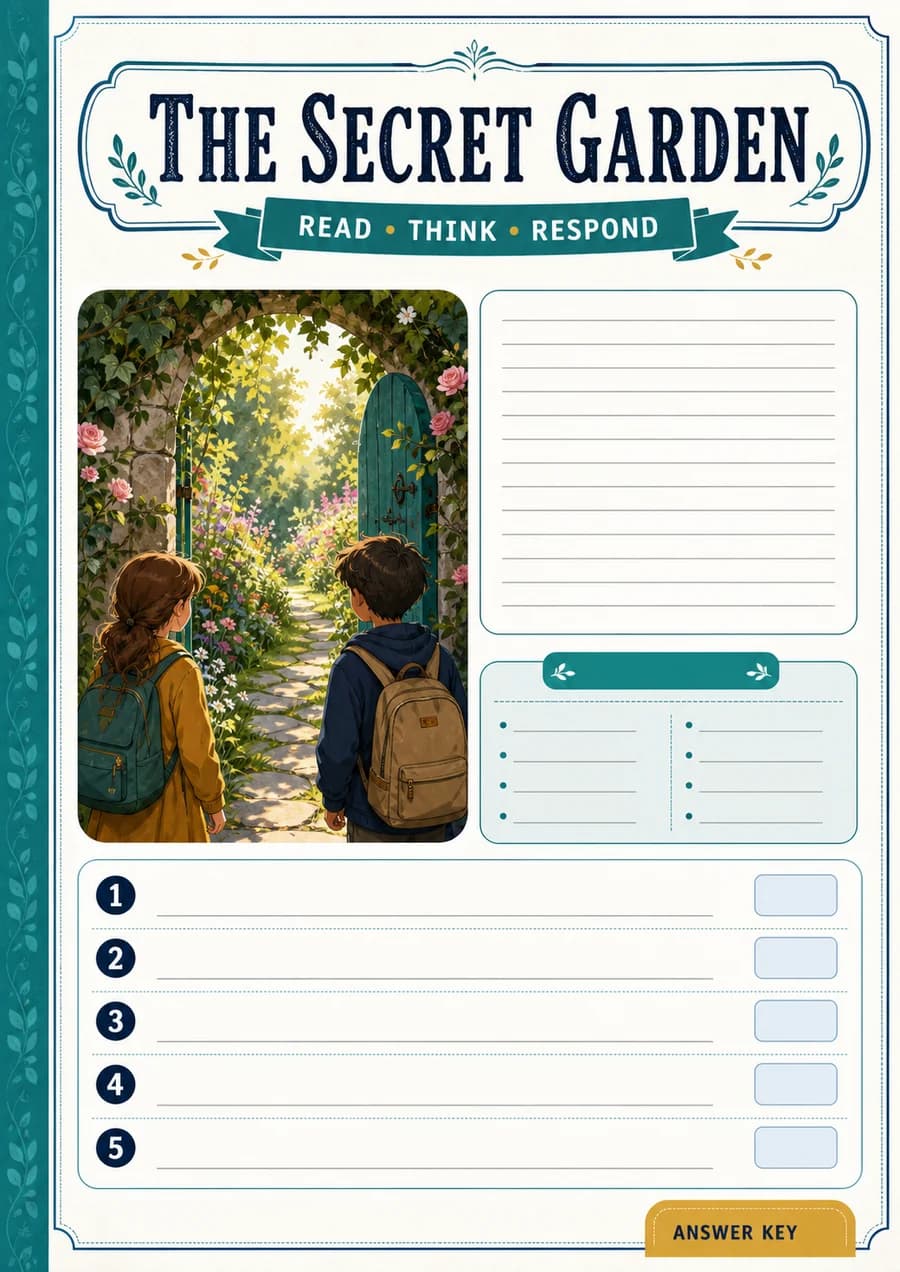
Un récit original accompagné de questions de repérage, d’inférence et de vocabulaire, avec corrigé.
- Matière
- Lecture
- Âge indicatif
- 8–10
- Prélever des indices dans un texte
- Expliquer les actions d’un personnage
Exemple original WordPilot, adaptable et réutilisable en classe. Aucun alignement officiel revendiqué. Relisez et adaptez à vos élèves.
Ouvrir la ressource et l’adapterCorrigé / pistes de correction
- Dans le jardin de l’école.
- Pour soutenir les haricots : ils penchaient, puis se tiennent droits.
- L’escargot a disparu et une trace argentée traverse la terre.
- Les plantes ne sont plus penchées.
- Accepter une question pertinente liée au récit.
Bon à savoir
Une numérisation floue peut nécessiter un nouvel envoi. Vérifiez l’extraction avant de demander la fiche ; l’import seul ne garantit pas une copie fidèle.
Les questions suivront-elles mon PDF ?
Demandez de travailler uniquement sur le cours fourni et de repérer les sections utilisées. Relisez les questions et les réponses avec ce document avant la séance.