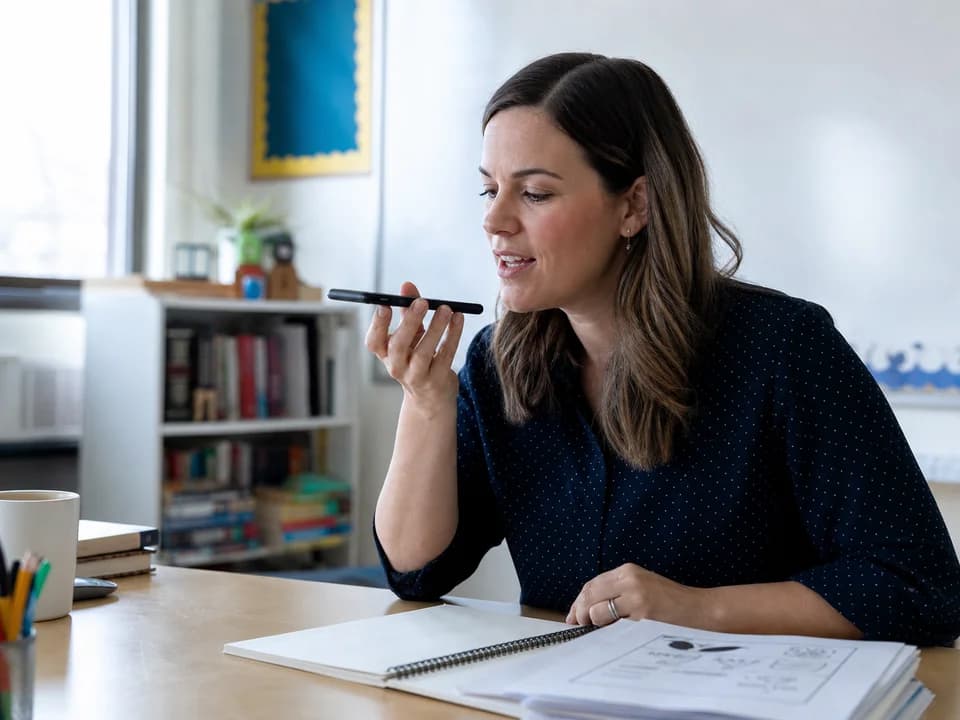
 01 · Créer
Expliquez le besoin de vos élèves
Demandez une fiche, un quiz, un examen, une préparation, une grille, une lettre aux parents ou un autre document.
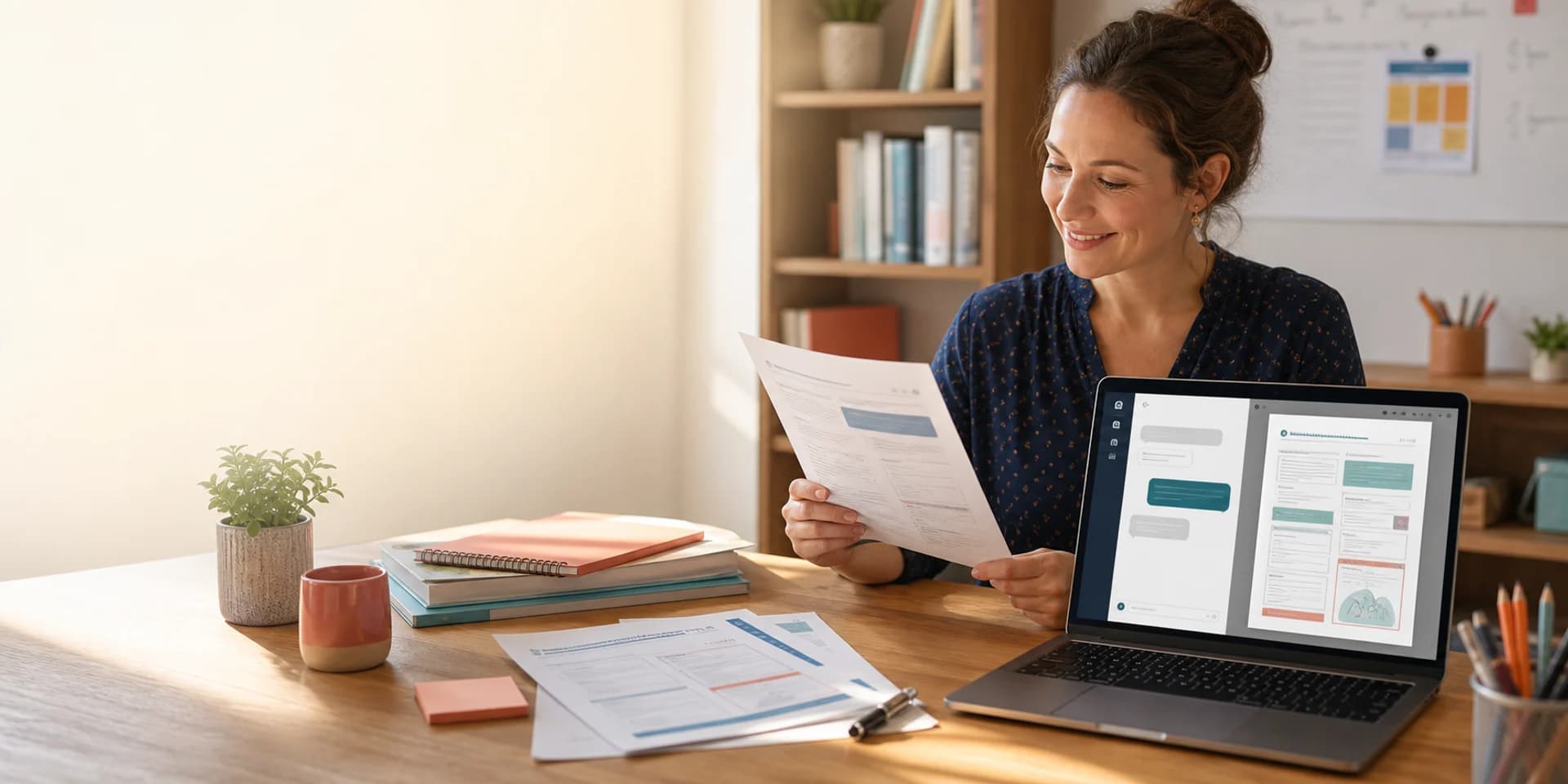
Votre assistant IA pour documents et présentations
Transformez idées, Word, PDF et photos en fiches, évaluations et présentations. Modifiez les supports, réutilisez vos images et téléchargez les documents en PDF ou Word.
Essayez de demander à WordPilot
“Crée un examen de fractions de deux pages pour le CM2, avec des espaces de réponse et un corrigé séparé.”
Moins de mise en page. Plus de pédagogie.
Indiquez la matière, le niveau, la langue et le document souhaité. Ajoutez un PDF, une leçon, une photo de manuel ou une image si nécessaire. La première version apparaît comme un vrai document que vous pouvez lire et améliorer.
Le document reste visible pendant votre travail : chaque demande produit un résultat concret.
01 · CréerDemandez une fiche, un quiz, un examen, une préparation, une grille, une lettre aux parents ou un autre document.
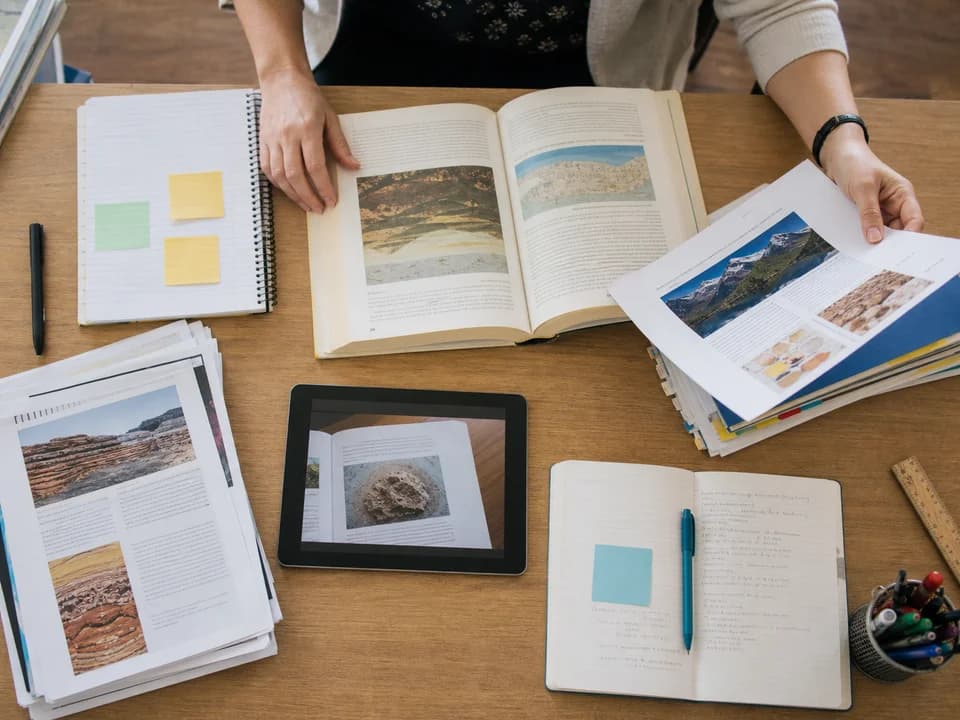 02 · S'appuyer
Ajoutez notes, PDF, photos de manuel, images ou anciens sujets et précisez ce que WordPilot doit utiliser.
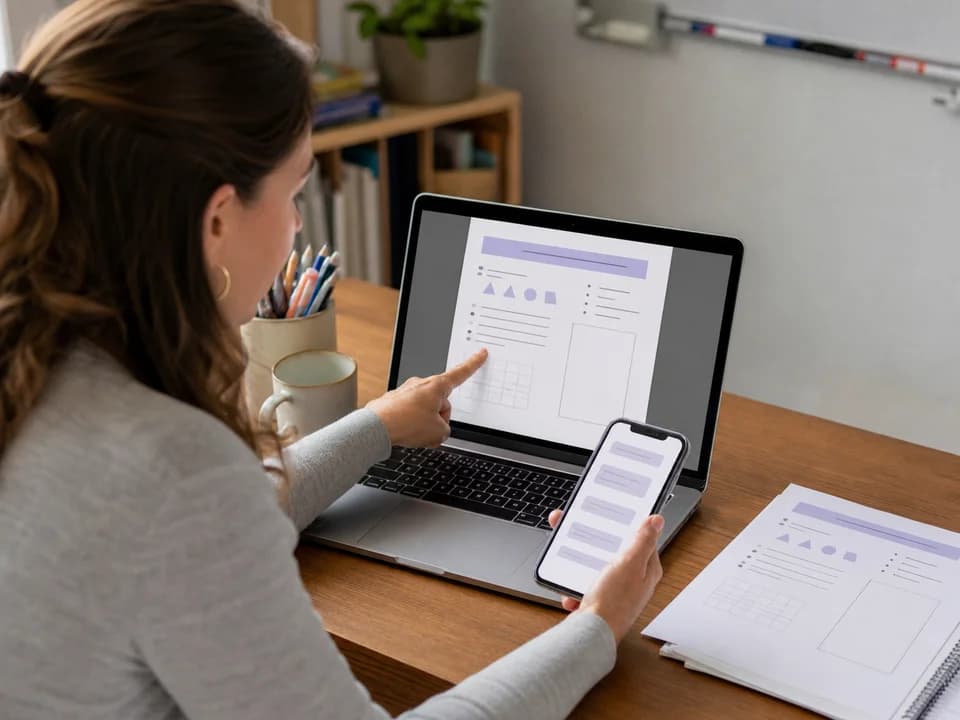 03 · Affiner
Simplifie la question 2. Ajoute de l'espace. Crée le corrigé. Traduis le document. Fais-le tenir sur deux pages.
 04 · Terminer
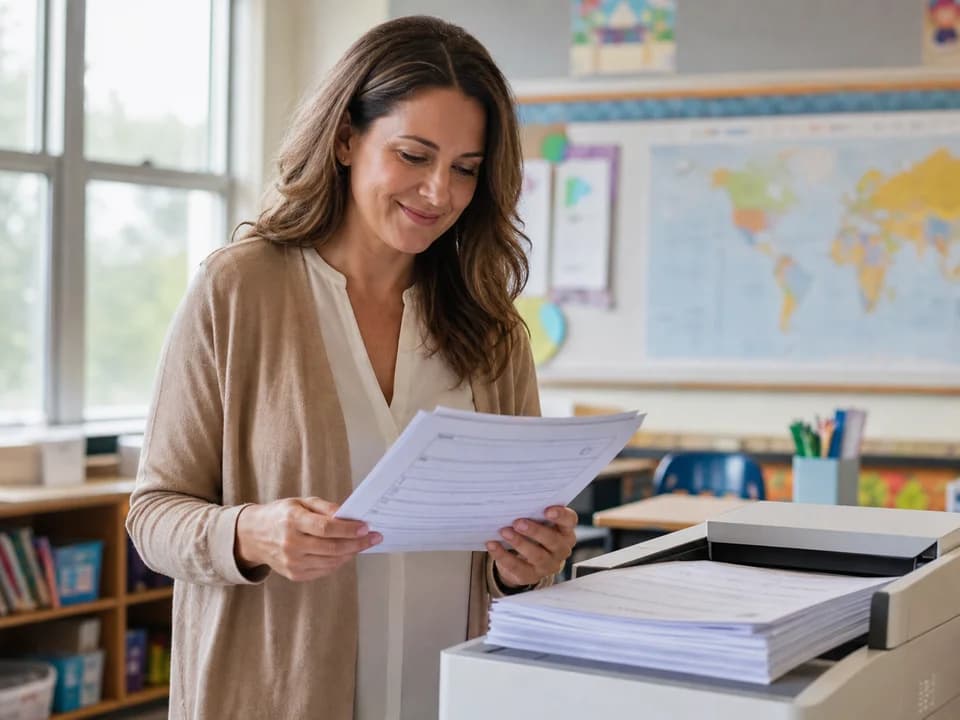
Contrôlez le contenu et les réponses, effectuez les dernières modifications puis exportez un PDF soigné.
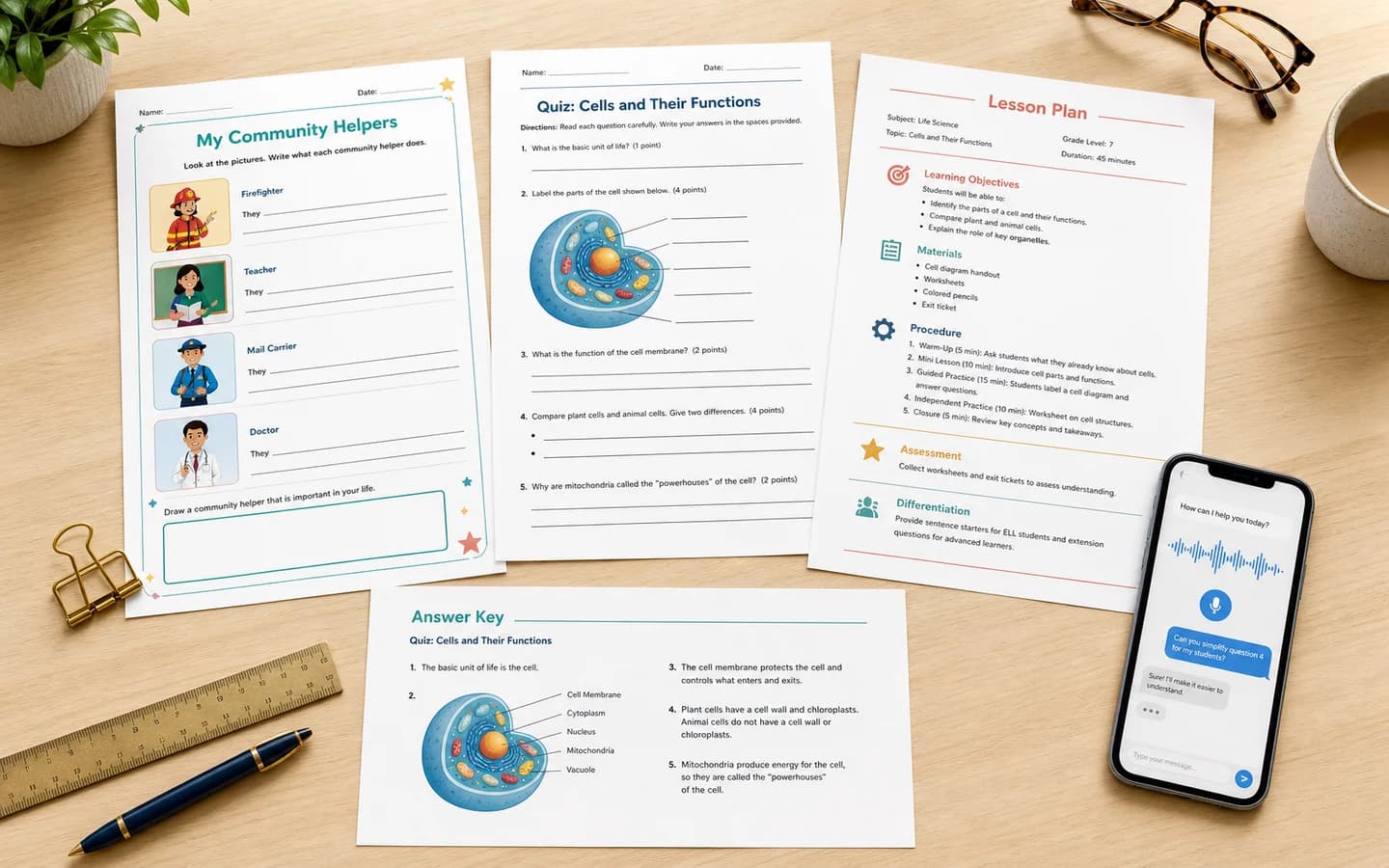
Un assistant, de nombreux documents
Préparez exercices différenciés, évaluations et supports sans reconstruire chaque page à la main.
Créez des documents ciblés pour chaque élève, niveau, langue et séance.
Rédigez communications, rapports, formulaires, réunions et modèles réutilisables.
Transformez un sujet ou une ressource en exercices, explications et activités adaptées à l'âge.
De la préparation à la classe
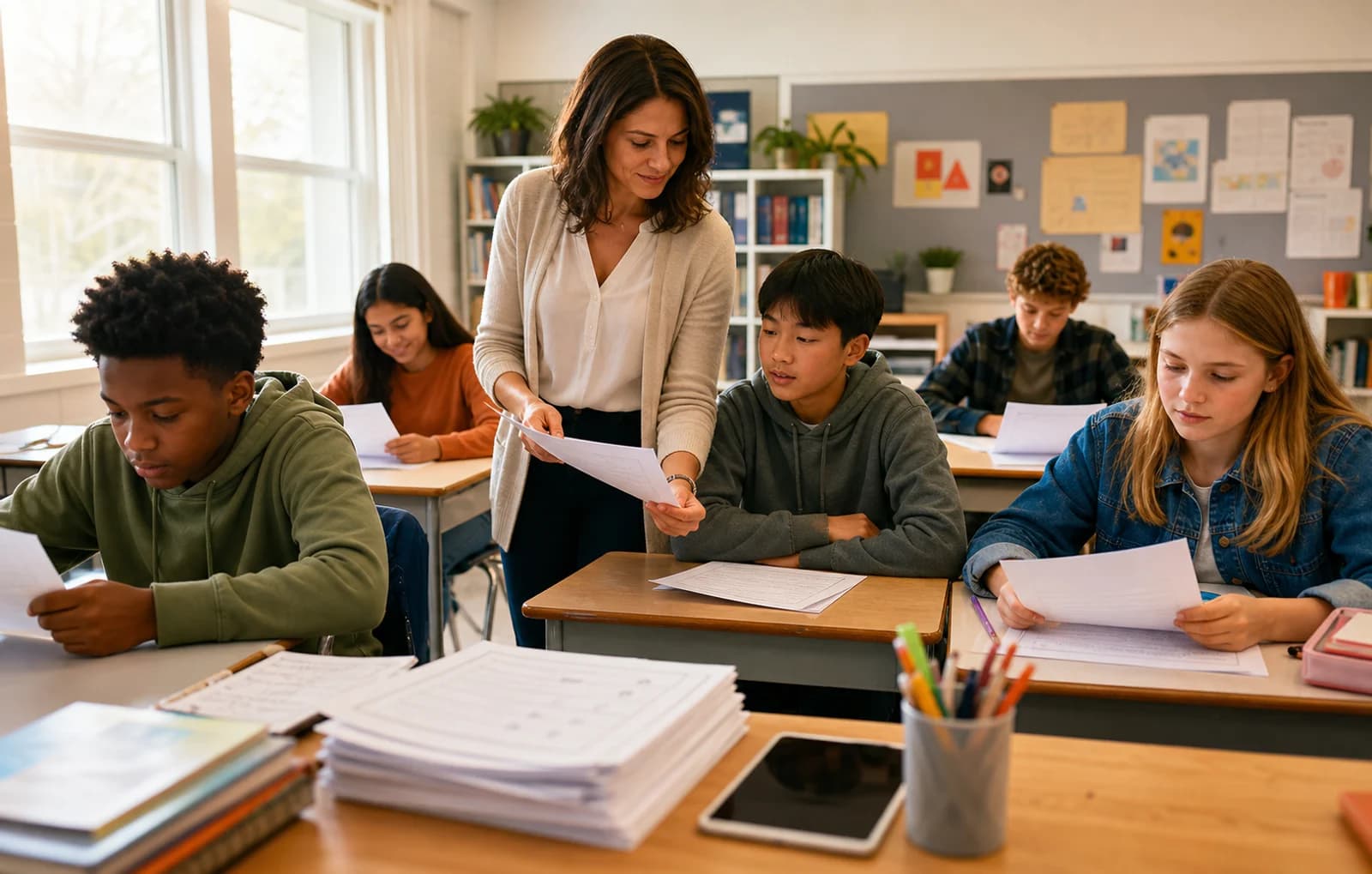
WordPilot aide à passer d'une idée à un support lisible et imprimable. Vous gardez votre temps pour expliquer, observer, accompagner et adapter la prochaine activité aux besoins réels des élèves.
Rapide, avec votre jugement professionnel
WordPilot réduit le temps de production, mais ne remplace pas votre connaissance de l'élève, du programme ou de la classe.
Fiches, quiz, examens, corrigés, préparations, révisions, grilles, devoirs, lettres aux parents, rapports et autres documents pédagogiques imprimables.
Oui. Ajoutez vos ressources et indiquez ce qu'il faut inclure, simplifier, évaluer ou transformer en document.
Oui. Parlez ou écrivez pour créer la première version puis demandez vos changements pendant que le document reste visible.
Oui. Demandez une version élève et un corrigé séparé avec réponses, solutions, barème ou grille. Vérifiez toujours chaque réponse.
Oui. WordPilot crée des documents dans de nombreuses matières, langues et niveaux. L'éducateur vérifie la terminologie et le programme local.
Oui. Prévisualisez les pages, affinez le contenu et la mise en page, puis téléchargez un PDF prêt à imprimer ou partager.
Commencez gratuitement, décrivez votre besoin et affinez le document jusqu'à ce que chaque page soit prête à enseigner, imprimer ou partager.
Ajoutez un DOCX, un PDF ou une image comme ressource. Demandez de conserver les illustrations originales, puis affinez par conversation ou édition manuelle. Enregistrez vos modifications avant de télécharger. Le PDF conserve la disposition ; Word permet de poursuivre l’édition, mais peut modifier la pagination.