Ressources pédagogiques
Créez des quiz courts avec corrigé
Préparez des vérifications formatives et des billets de sortie pour savoir quoi retravailler ensuite.
Vérifiez le résultat avant utilisation. Les quotas habituels s’appliquent.
WordPilot · Mis à jour le
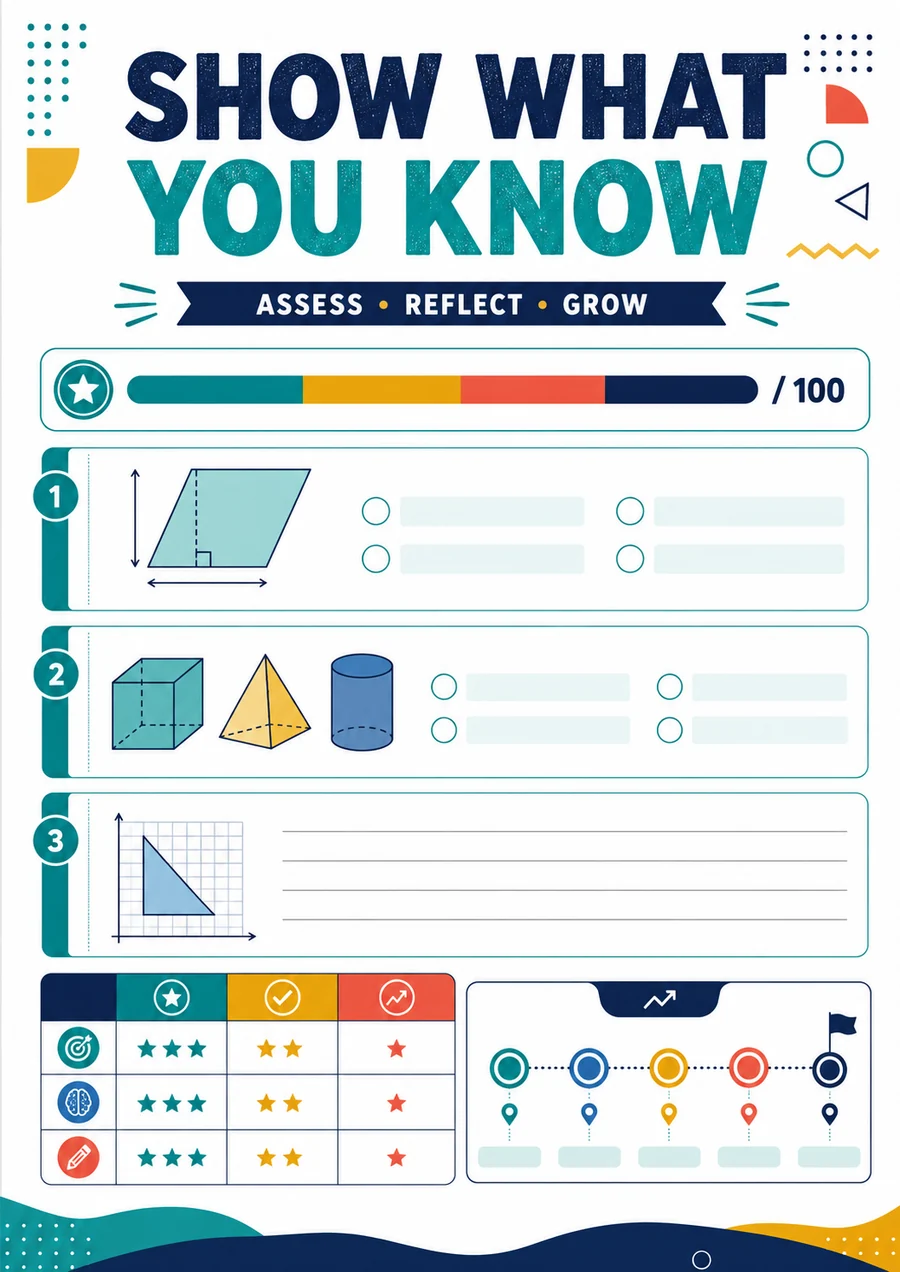
À adapter à vos élèves
- Idéal pour
- Mathématiques · 8–10
- Vous fournissez
- Votre objectif, niveau et consignes
- Vous obtenez
- Un document modifiable, à relire puis exporter
Comment l’utiliser en classe
- 1Choisissez un petit ensemble d’objectifs.
- 2Demandez une vérification courte avec explications et erreurs possibles.
- 3Relisez, utilisez le quiz et préparez la suite à partir des réponses.
À quoi peut ressembler le résultat
Des vérifications courtes en numération, multiplication et fractions, avec réponses et pistes de suivi.
- Matière
- Mathématiques
- Âge indicatif
- 8–10
- Expliquer un calcul
- Identifier la prochaine étape d’apprentissage
Exemple original WordPilot, adaptable et réutilisable en classe. Aucun alignement officiel revendiqué. Relisez et adaptez à vos élèves.
Ouvrir la ressource et l’adapterCorrigé / pistes de correction
- 400 : quatre centaines.
- 6 × 4 = 24 jetons.
- 1/2 : partager le même tout en moins de parts égales donne de plus grandes parts.
Bon à savoir
Gardez un format court et interprétable. Un brouillon IA n’est ni un test standardisé ni un diagnostic.
Puis-je demander des QCM ?
Oui. Précisez le nombre de choix et demandez des distracteurs plausibles. Vérifiez qu’une seule réponse est juste si la consigne le demande.