Prepare Arabic and French classroom documents
Specify language by section and review direction, punctuation and exported text.
WordPilot · Updated
- Best for
- Arabic · 8–11
- You provide
- A few minutes to follow the method
- You get
- A practical method with an example to review
Separate language from interface
The website can be in English or French while the teaching document is in Arabic. Specify the language for instructions, passage and answer key separately. Say whether vowel marks are required and provide a reference if particular terminology must be used.
Use paragraph-level direction
Request right-to-left Arabic paragraphs and left-to-right French paragraphs. Avoid manually reversing characters. Check mixed numerals, brackets and punctuation near language changes. The Arabic library example below keeps its source text in Arabic even when these instructions are translated.
Check content and exports
Review the Arabic wording and the meaning of any French translation. Then inspect both PDF and Word for legible glyphs, ordering and line breaks. Font substitution can affect pagination. A correct screen preview is not a substitute for opening the downloaded file.
What the finished resource can look like
A short Arabic passage with right-to-left questions and answers, ready for teacher adaptation.
- Subject
- Arabic
- Suggested age
- 8–11
- Find explicit information in Arabic
- Write a relevant sentence
Original WordPilot example, reusable and adaptable for classroom use. No official curriculum alignment claimed. Review and adapt for your learners.
Open and adapt the resource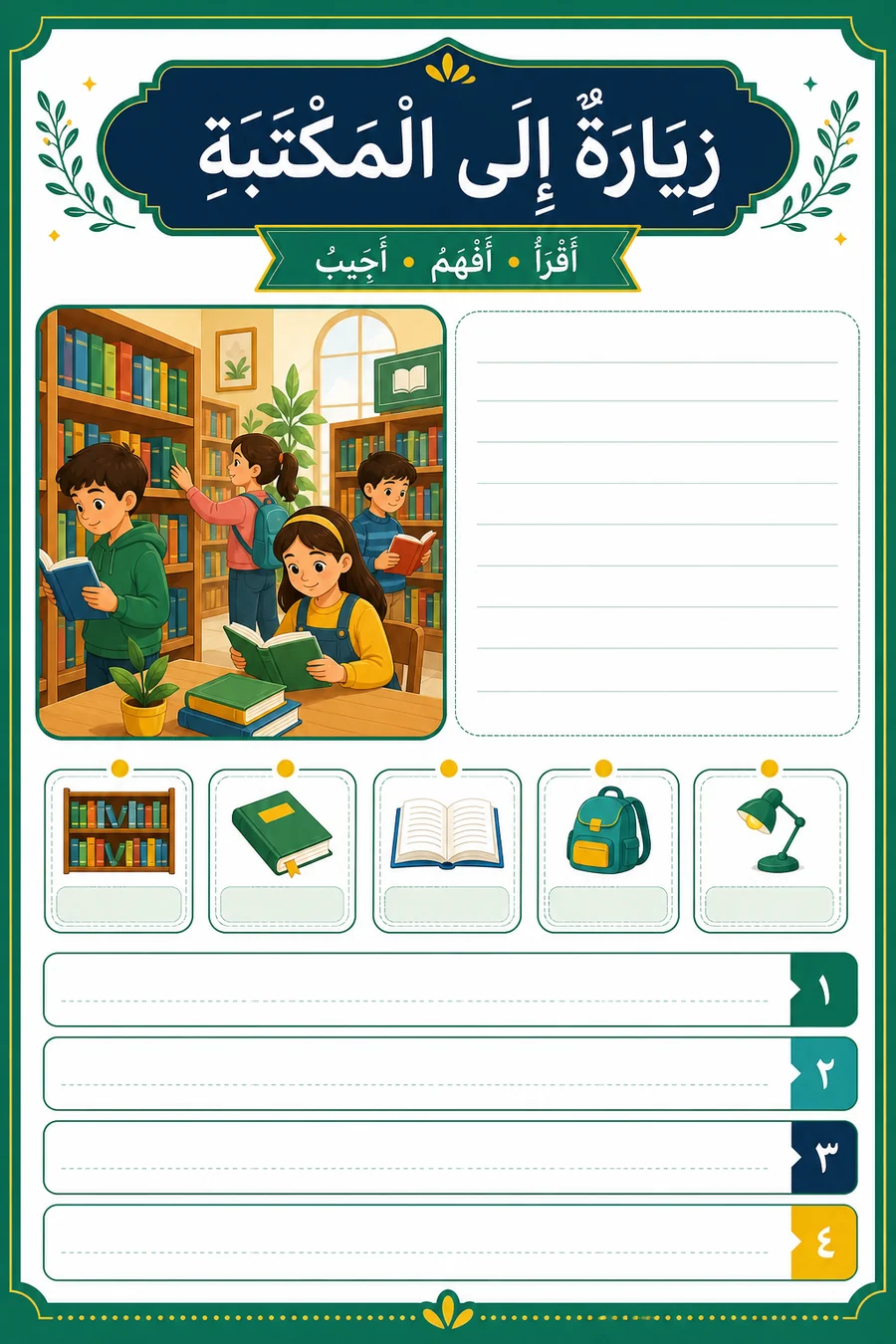
Answer key / marking guidance
- ذهبت إلى مكتبة المدرسة.
- يتحدث عن الأشجار.
- جلست قرب النافذة.
- أعادت الكتاب إلى مكانه وشكرت أمينة المكتبة.
- تقبل جملة مناسبة عن كتاب يختاره المتعلم.
View the example material screenshot
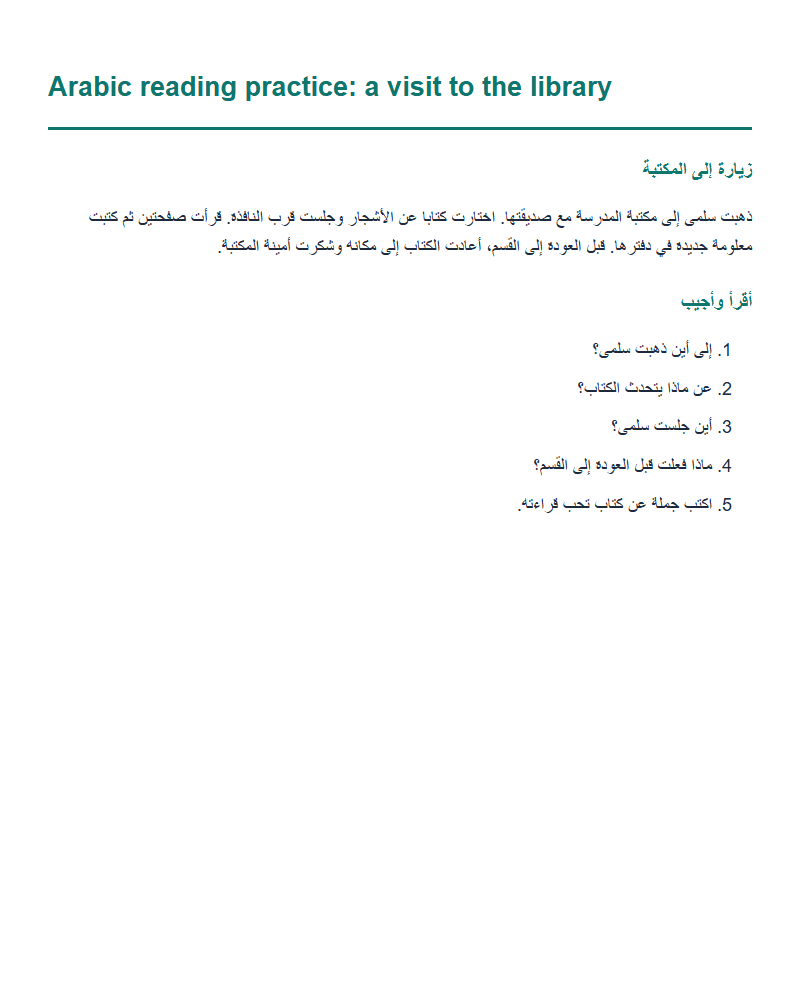
Screenshot of the example content, not the application interface.