Transformer un cours PDF en fiche d’exercices utile
Une méthode fondée sur la source : vérifier la lecture, choisir les questions et séparer le corrigé.
WordPilot · Mis à jour le
- Idéal pour
- Lecture · 8–10
- Vous fournissez
- Quelques minutes pour suivre la méthode
- Vous obtenez
- Une méthode pratique avec un exemple à consulter
Partir d’une source courte et lisible
Importez les pages réellement étudiées. Attendez la fin du traitement, puis demandez les idées principales. Comparez la lecture au PDF, notamment les tableaux, petits caractères et pages numérisées. Faites cette vérification avant les questions : un exercice construit sur une phrase mal lue peut sembler juste tout en étant faux.
Préciser l’apprentissage visé
Pour le jardin ci-dessous, demandez deux questions de repérage, une inférence et une question de vocabulaire pour les 8–10 ans, avec justification dans le texte. Conservez le passage original sauf si vous voulez le simplifier : adapter le texte et créer les questions sont deux décisions différentes.
Vérifier les versions élève et enseignant
Répondez à la fiche sans regarder le corrigé. Vérifiez les indices de l’inférence et l’espace de réponse. Placez le corrigé sur une autre page. Enregistrez, téléchargez le format voulu et relisez le fichier avant impression ou partage.
À quoi peut ressembler le résultat
Un récit original accompagné de questions de repérage, d’inférence et de vocabulaire, avec corrigé.
- Matière
- Lecture
- Âge indicatif
- 8–10
- Prélever des indices dans un texte
- Expliquer les actions d’un personnage
Exemple original WordPilot, adaptable et réutilisable en classe. Aucun alignement officiel revendiqué. Relisez et adaptez à vos élèves.
Ouvrir la ressource et l’adapter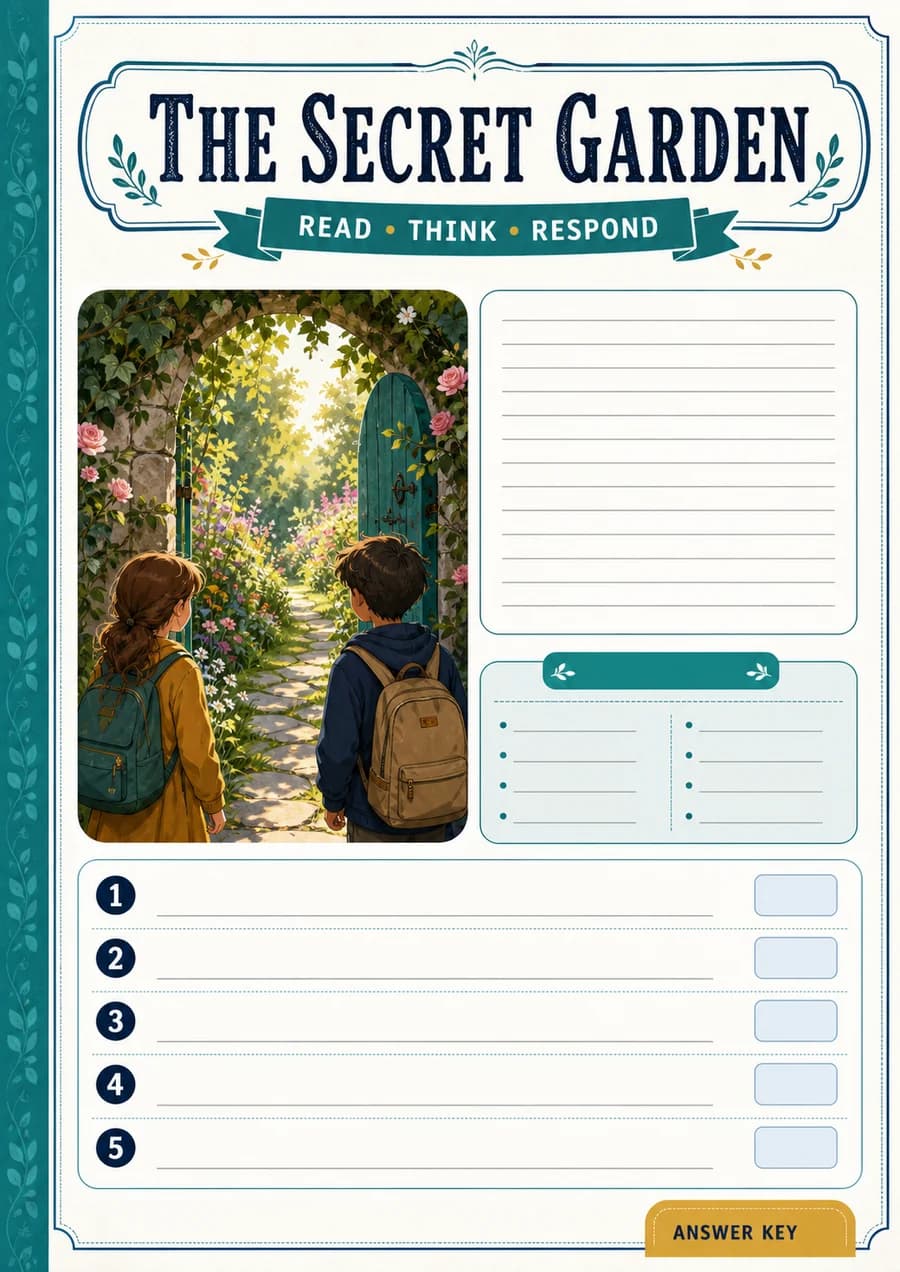
Corrigé / pistes de correction
- Dans le jardin de l’école.
- Pour soutenir les haricots : ils penchaient, puis se tiennent droits.
- L’escargot a disparu et une trace argentée traverse la terre.
- Les plantes ne sont plus penchées.
- Accepter une question pertinente liée au récit.
Voir la capture du support d’exemple
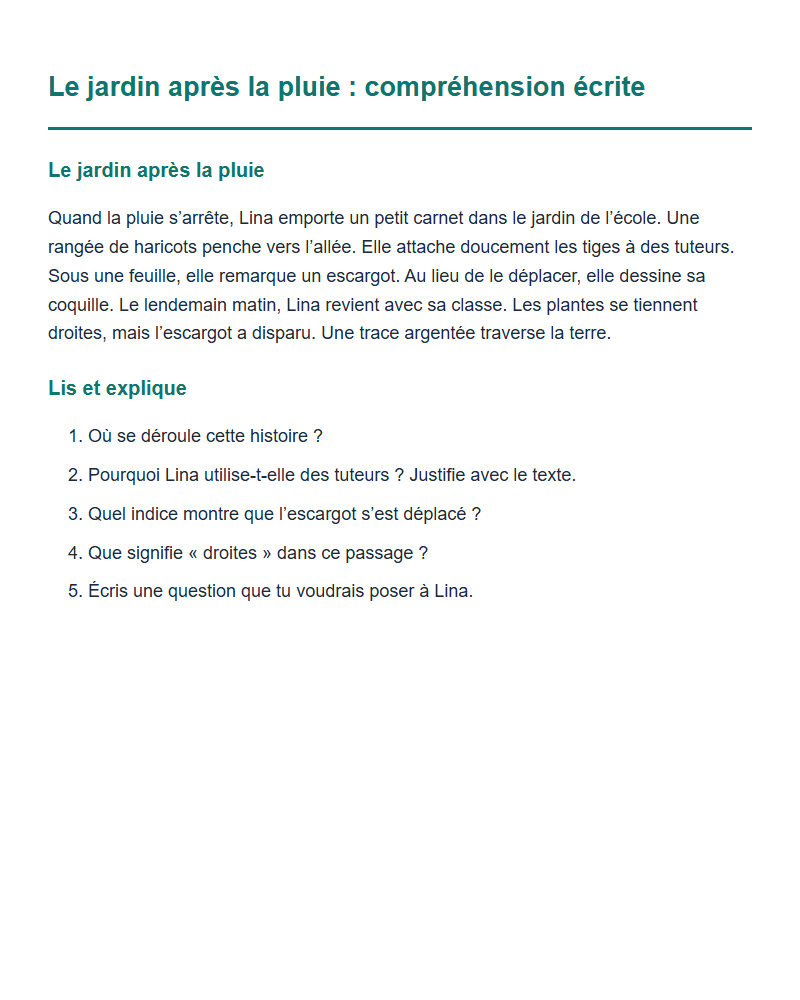
Capture du contenu d’exemple, pas de l’interface de l’application.