Réutiliser le contenu Word et ses images originales
Conserver les illustrations, distinguer ressource et copie, puis vérifier les images après export.
WordPilot · Mis à jour le
- Idéal pour
- Sciences · 7–10
- Vous fournissez
- Quelques minutes pour suivre la méthode
- Vous obtenez
- Une méthode pratique avec un exemple à consulter
Importer le DOCX original
Utilisez un .docx, pas un ancien .doc. Attendez le traitement et lisez les avertissements. L’original est une ressource du projet ; l’import ne crée pas automatiquement un document modifiable. Demandez une copie pour modifier le document lui-même.
Préciser ce qui doit rester
Pour la leçon sur la plante, demandez de conserver l’illustration et l’explication scientifique. Indiquez de ne pas générer d’image de remplacement. Réutilisez logos et photos seulement avec autorisation. Demandez une clarification si une image indispensable manque.
Inspecter le fichier livré
Comparez source et résultat. Vérifiez l’illustration, le texte et l’en-tête. Le PDF conserve la disposition ; Word peut redistribuer le contenu. Ouvrez aussi le téléchargement pour vérifier les images, pas seulement l’aperçu dans l’application.
À quoi peut ressembler le résultat
Une séance courte avec une illustration originale, un protocole d’observation et une question de sortie.
- Matière
- Sciences
- Âge indicatif
- 7–10
- Ordonner graine, plantule et plante adulte
- Distinguer observation et prévision
Exemple original WordPilot, adaptable et réutilisable en classe. Aucun alignement officiel revendiqué. Relisez et adaptez à vos élèves.
Ouvrir la ressource et l’adapter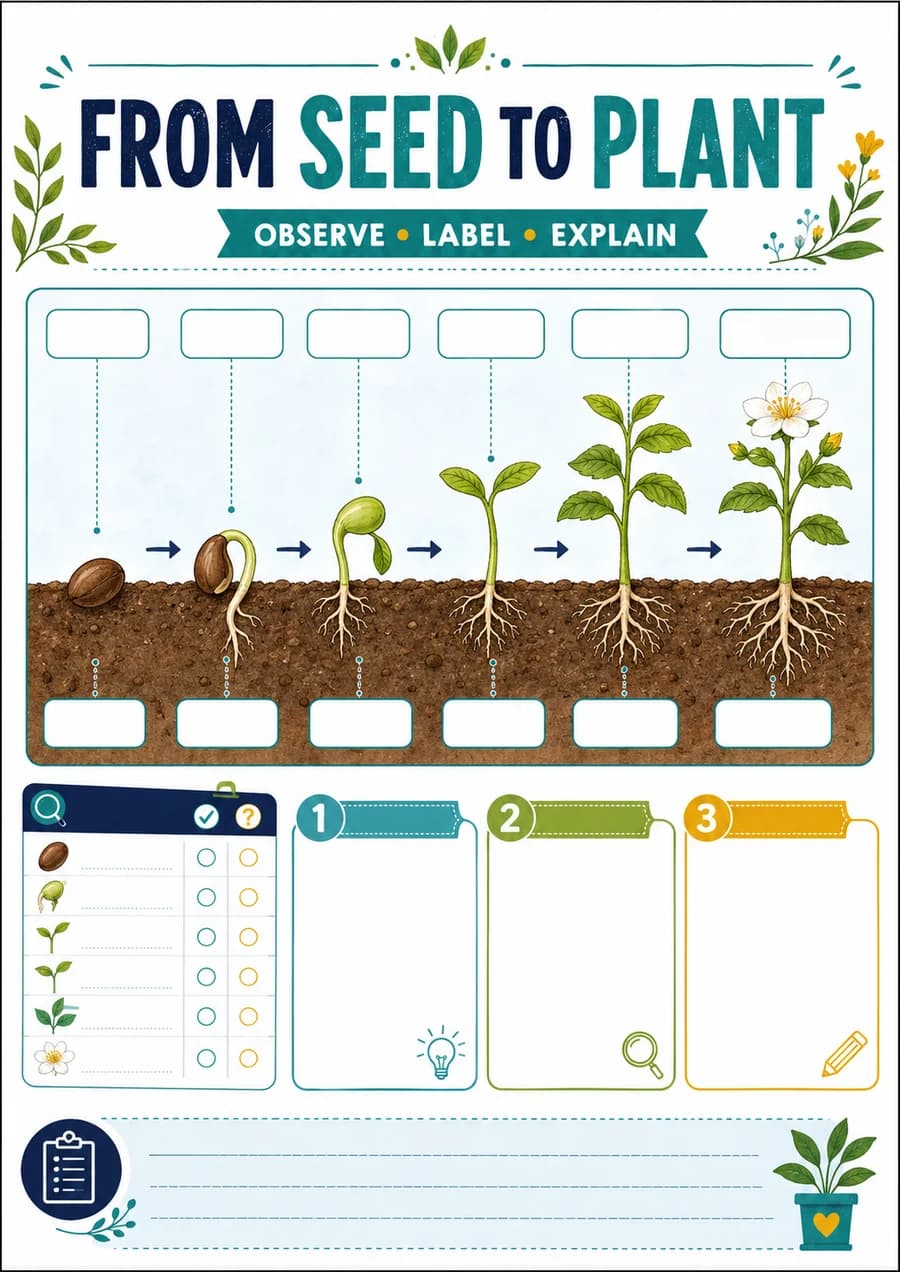
Corrigé / pistes de correction
- L’apparition d’une racine ou d’une tige est observable. Une prévision indique ce qu’on attend, pas ce qu’on a vu.
Voir la capture du support d’exemple
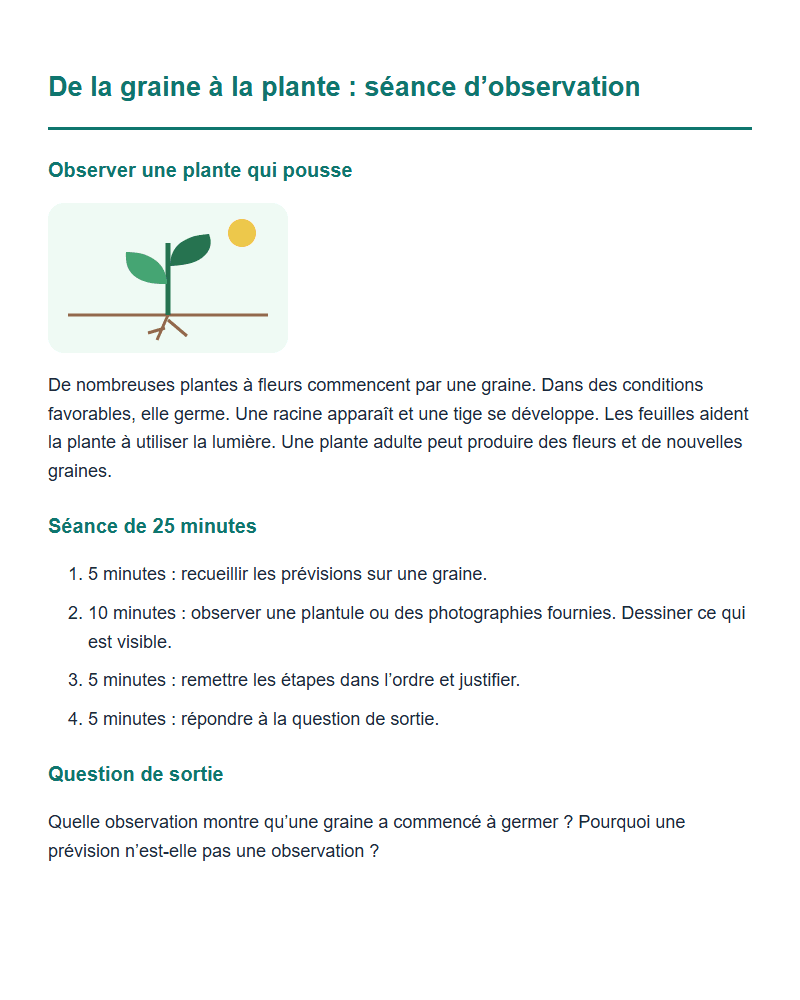
Capture du contenu d’exemple, pas de l’interface de l’application.